VulnEscape
Overview
VulnEscape is an easy Windows box presenting an RDP session locked into a kiosk
environment running Microsoft Edge. The kiosk is broken out by leveraging Edge’s
ability to open local files, copying powershell.exe as msedge.exe so it launches
inside the browser’s allowed process context. Exploring the resulting shell reveals
Remote Desktop Plus with a saved RDP profile whose password is masked — but
recoverable with Nirsoft’s BulletsPassView. Those credentials allow runas as admin,
and a UAC-bypassed elevated PowerShell session completes the chain.
Path: RDP kiosk → Edge local-file trick → PowerShell as user → Remote Desktop
Plus saved creds → BulletsPassView → runas admin → UAC bypass → elevated shell →
root.
Enumeration
The target exposes only RDP:
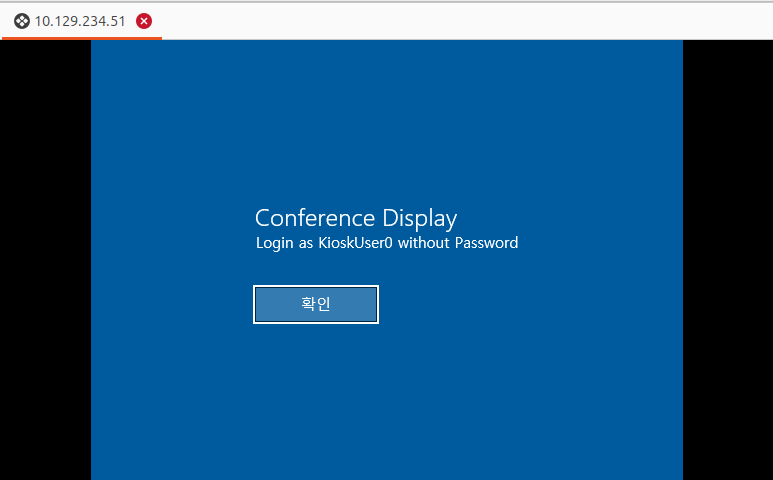
Connecting via RDP drops into a kiosk session with only Microsoft Edge available — no taskbar, no desktop shortcuts, and no obvious escape.
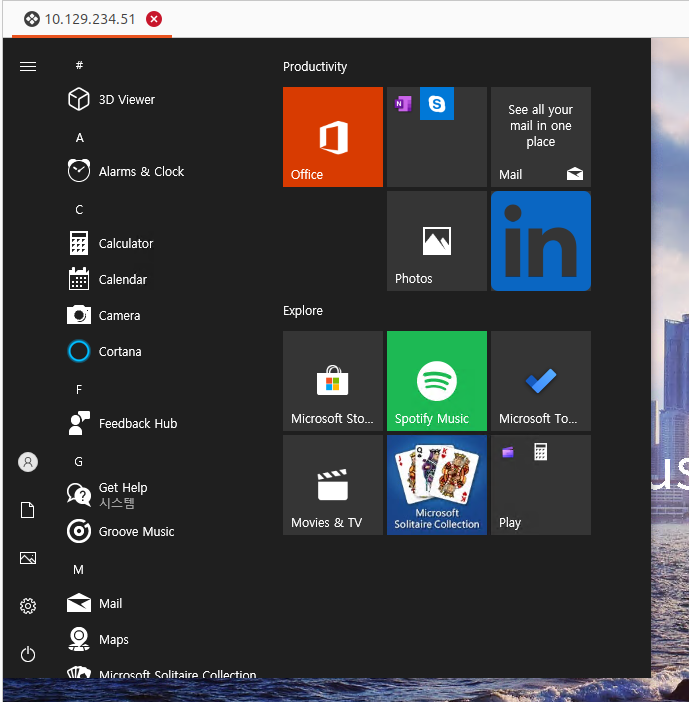
Foothold — Kiosk Escape via Edge
The technique for breaking out of a Windows kiosk running Edge is
documented by NVISO Labs:
Edge can open local file:// URLs, and if it can be made to launch an executable
named msedge.exe, it runs in the allowed context.
The steps:
- Use Edge to navigate to a locally crafted HTML page (
pwn.html) that triggers a file download.

- Locate
powershell.exeat:
C:\Windows\System32\WindowsPowerShell\V1.0\powershell.exe
- Copy it to a writable location and rename the copy to
msedge.exe, then launch it through Edge.
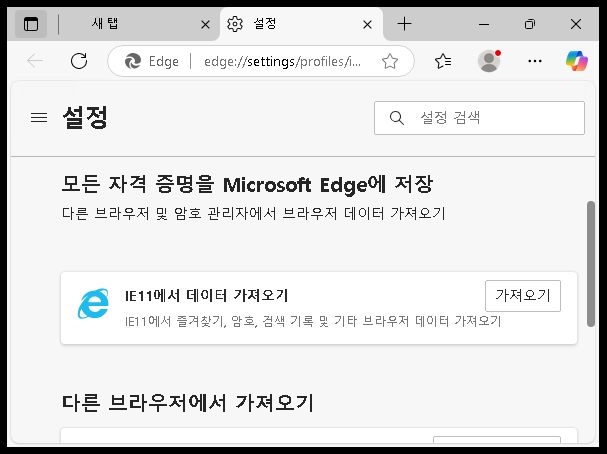
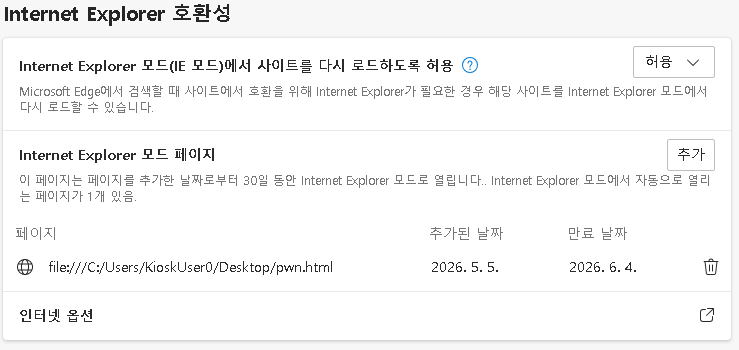
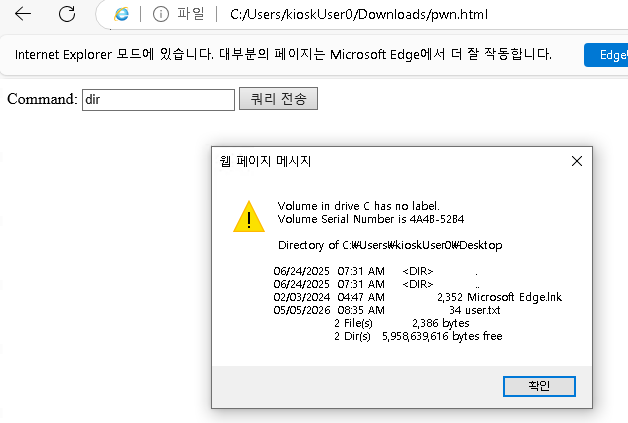
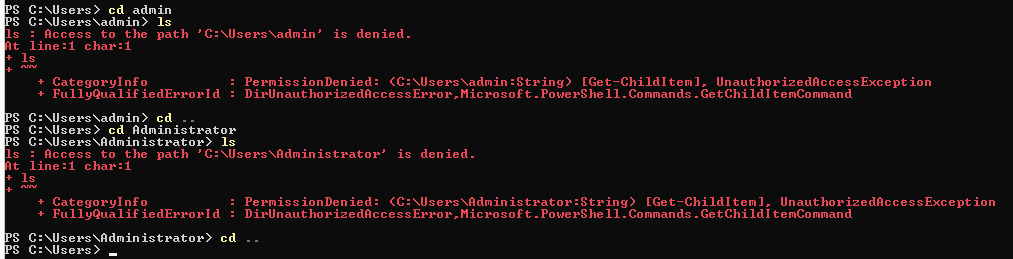
A PowerShell window opens as the kiosk user. The shell has restricted permissions (low-integrity), but it is enough to explore the filesystem.
Enumeration — Filesystem Exploration
Initial exploration turns up a couple of notable directories:
C:\RUXIM— an unusual folder.
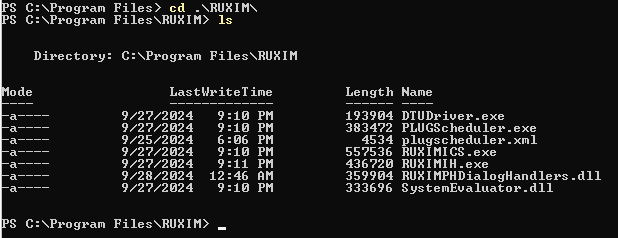
C:\Program Files (x86)\Remote Desktop Plus— a third-party RDP client that supports saving connection profiles, including stored passwords.
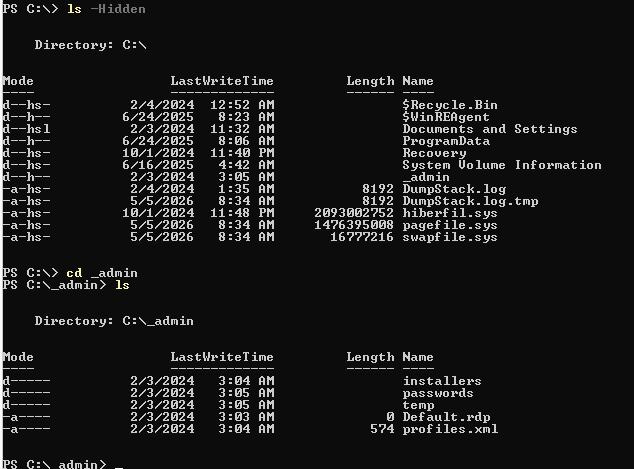
Privilege Escalation — Recovering a Saved RDP Credential
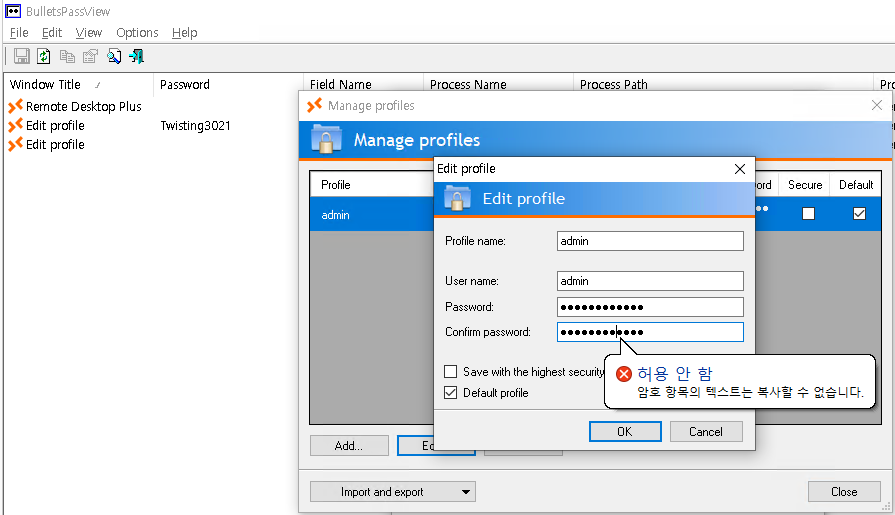
Opening Remote Desktop Plus reveals a saved RDP profile with a pre-filled, masked password:
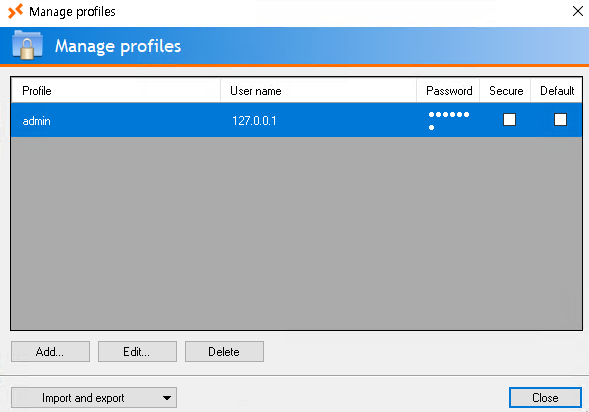
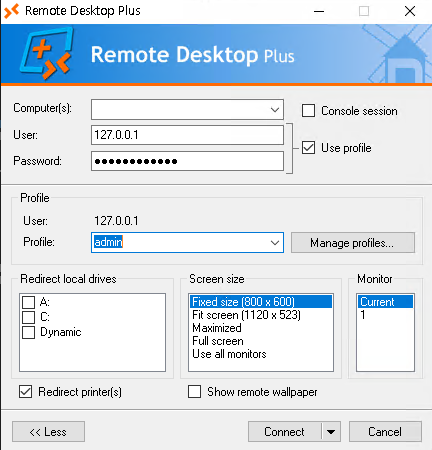
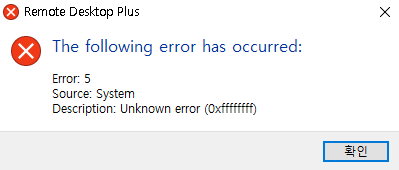
The password field shows bullets. Nirsoft’s BulletsPassView recovers passwords hidden behind bullet characters in Windows controls:
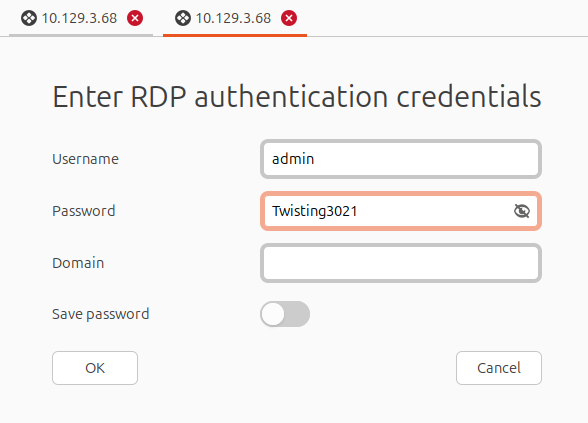
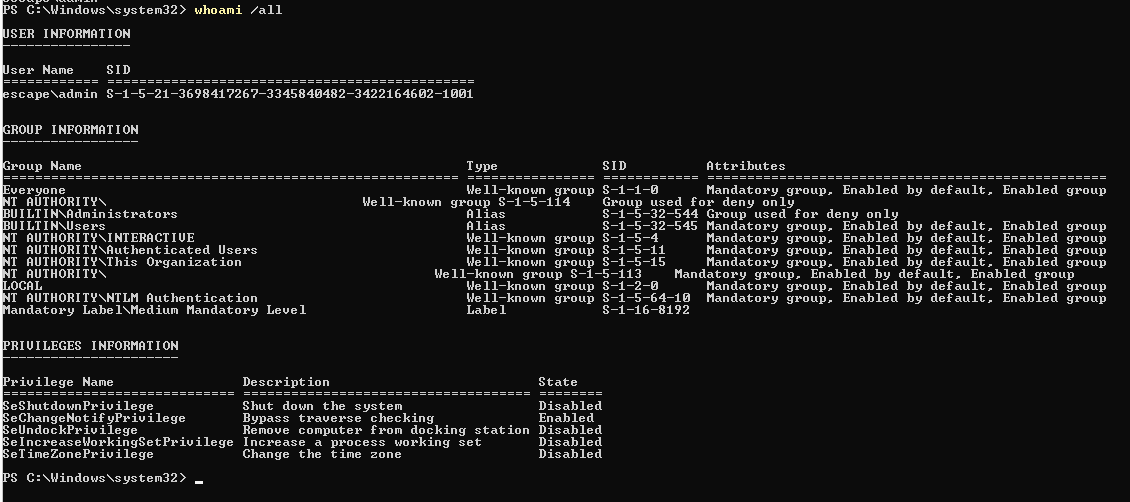
With the credential in hand, runas launches a PowerShell process as admin:
runas /user:admin powershell.exe
Root
The initial runas session runs at medium integrity — UAC still limits privileged
operations. Spawning an elevated process from within that shell promotes to high
integrity:
Start-Process powershell.exe -Verb runas
The UAC prompt auto-accepts (since we already authenticated as admin), and the new
PowerShell window runs with full administrator privileges. The root flag is accessible
from there.
Takeaways
- Windows kiosk escapes via Edge are a well-documented technique: Edge’s ability
to open local
file://paths and launch processes namedmsedge.exemakes any kiosk relying on Edge-as-sole-application breakable without additional tooling. - Third-party credential stores like Remote Desktop Plus save passwords in Windows control fields that are trivially revealed by tools like BulletsPassView — stored RDP credentials in kiosk environments represent an easy lateral-movement path.